10 Call Management Apps for GTM Teams in 2026
The broadest feature list isn't the right way to choose call management apps. A phone system with every routing option, AI feature, and reporting dashboard can still fail if it doesn't fit the team's actual call motion. The better buying question is operational: Who calls, where do calls go, how quickly must someone respond, what must enter the CRM, and who owns administration?
GTM leaders should weigh routing complexity, geography, CRM discipline, recording and compliance requirements, AI analysis, usage volume, and the people responsible for maintaining the system. The right choice for a global support operation won't be the right choice for a small sales team sharing a few numbers.
The market has already moved toward software based calling. One industry summary reports that 31% to 60% of businesses use VoIP for their phone systems, while about 61% plan to phase out on premise PBX for cloud VoIP. U.S. business VoIP lines grew from 6.2 million in 2010 to 41.6 million in 2018, more than sixfold in eight years, according to industry VoIP adoption data. That shift matters because modern call management apps handle routing, recording, reporting, and mobile access through software rather than legacy desk phone infrastructure.
The list below maps ten products to the operating problem each solves. It compares routing, IVR, recording, analytics, integrations, usage costs, and deployment fit, then considers how an orchestration layer such as Yalc can connect call activity to wider GTM execution. Teams that also need better follow through can review these tools to improve sales follow ups.
Table of Contents
- 1. RingCentral RingEX
- 2. Zoom Phone
- 3. Dialpad Ai Voice
- 4. Aircall
- 5. CloudTalk
- 6. JustCall
- 7. Kixie
- 8. Nextiva
- 9. 8x8 Business Phone X Series
- 10. Quo, formerly OpenPhone
- Top 10 Call Management Apps Comparison
- Turn Call Activity Into a Repeatable GTM Motion
1. RingCentral RingEX
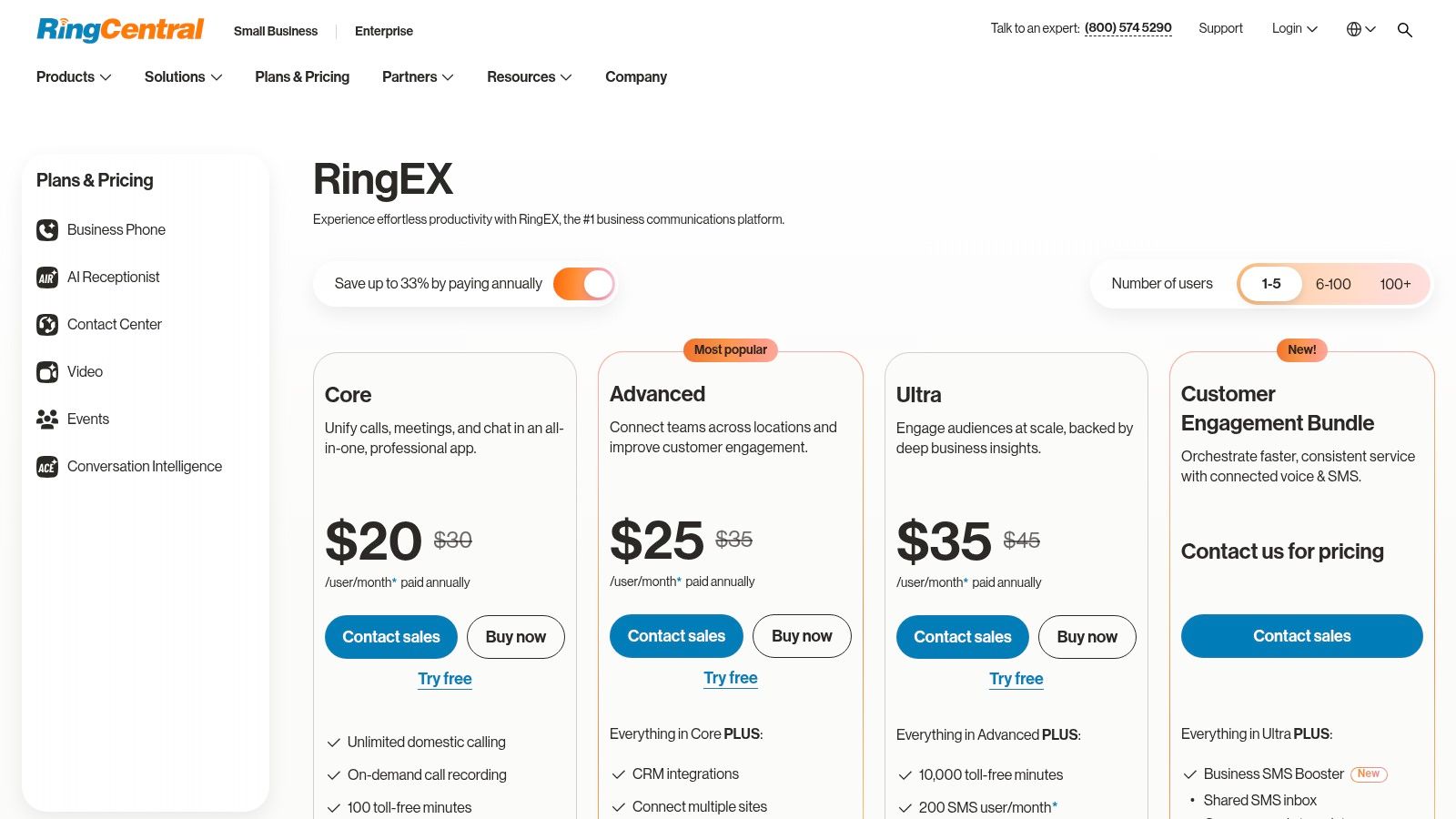
RingCentral RingEX is the strongest fit when enterprise voice governance matters more than a quick, lightweight deployment. It gives hybrid and multi location organizations one administrative layer for voice, messaging, and video, with the routing depth required for departments, queues, and complex business hours.
Its feature set covers multi level IVR, call queues, international numbers, calling bundles, recording, AI call recaps, and analytics. Supervisors can use barge, monitor, and whisper functions for coaching and quality control. Administrators get multi site controls, role based access, audit features, and a broad application ecosystem through the RingCentral RingEX plans.
Where RingEX earns its place
RingEX works well when the phone system must survive organizational complexity. A company with multiple offices, regional policies, different support queues, and formal oversight will get more value from its administrative depth than a small team with one shared number.
Its trade off is cost and configuration effort. Higher tiers can become expensive, and some advanced AI or contact center capabilities require add ons. Teams should also assign a real owner for number provisioning, call flows, permission reviews, and reporting. Without that ownership, a powerful system becomes difficult to govern.
Practical rule: Choose RingEX when the cost of inconsistent routing, access control, or recording governance is higher than the cost of a mature enterprise platform.
2. Zoom Phone
Zoom Phone is the practical choice for organizations that already run meetings, chat, identity, and collaboration through Zoom. The product reduces deployment friction because users, administrators, and security teams can work inside a familiar environment rather than introducing a separate communications stack.
The core features include an auto receptionist, IVR, call queues, recording, Zoom Phone numbers, metered and unlimited domestic plans, and Global Select options. BYOC and Zoom Hardware as a Service support organizations that need to preserve parts of an existing telephony setup. Details on the available models are listed on the Zoom Phone product page.
The buying case is strongest when Zoom is already standardized across the company. SSO, user administration, and collaboration workflows are easier to align when the phone system sits beside Zoom Meetings and Chat. For a sales or operations team that wants business calling without rebuilding its collaboration environment, that matters more than having every contact center function native to the platform.
What Zoom Phone doesn't solve alone
Advanced contact center requirements may need third party tools. Teams that need deep workforce management, detailed skills based routing, or extensive service operations should test the complete workflow rather than assuming the meeting platform will cover it.
Pricing also depends on the selected domestic model, international requirements, numbers, hardware, and usage. The best value usually appears for teams already paying for Zoom and willing to consolidate administration. A company that doesn't use Zoom broadly may find that the integration advantage isn't large enough to justify making it the central phone platform.
3. Dialpad Ai Voice
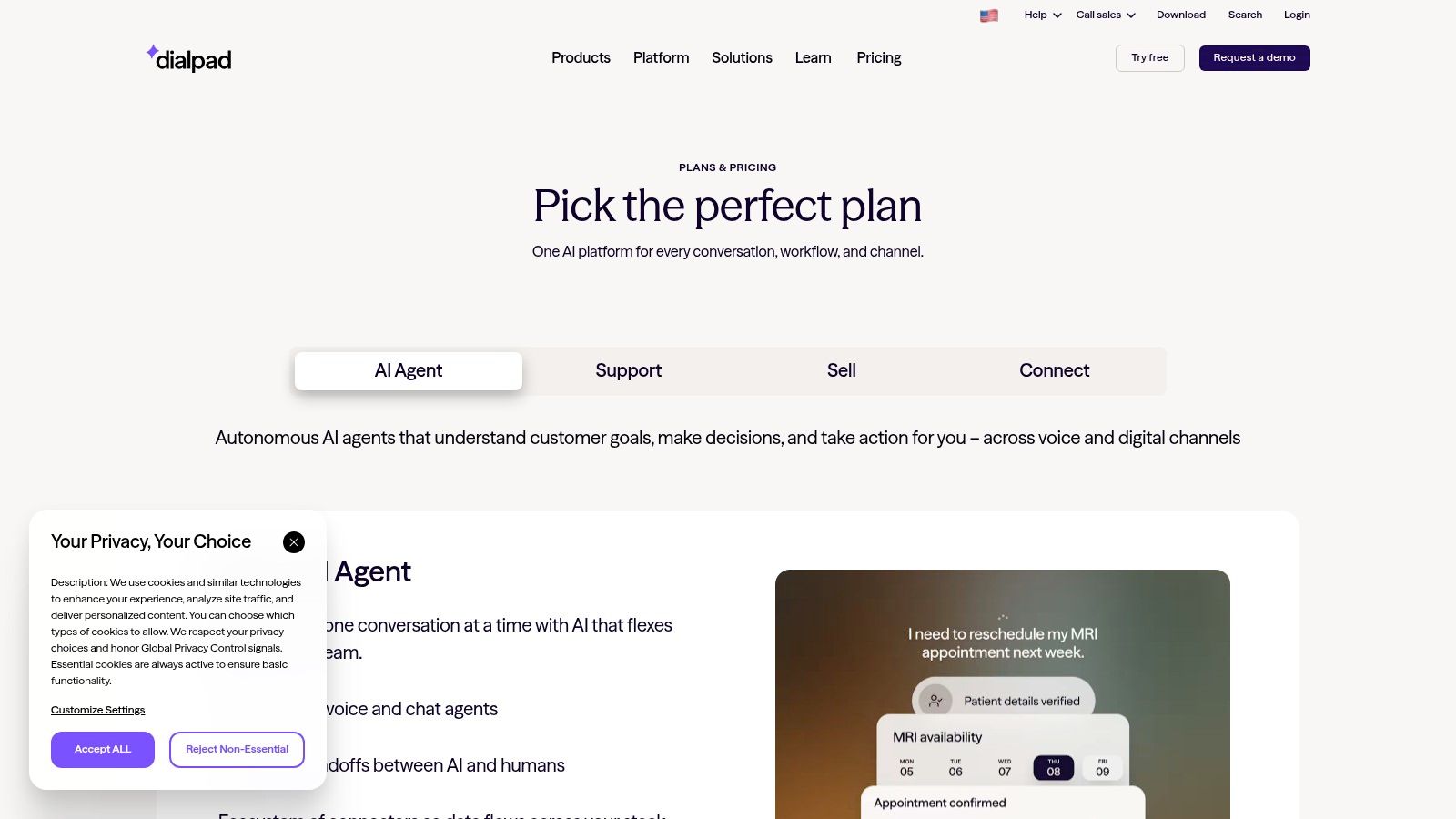
Dialpad Ai Voice is designed for sales led teams that want AI analysis built into every conversation, not added later through a separate recording workflow. It combines cloud calling with live transcription, action items, sentiment analysis, voicemail transcription, recording, queues, and IVR.
The interface is relatively quick to roll out, and administrators can separate offices, departments, and users with granular controls. That makes it suitable for revenue teams that want managers to inspect calls, identify coaching moments, and push structured outcomes into their CRM. Teams can review current plan options through the Dialpad pricing page.
The AI advantage has an operating cost
Real time transcripts and call summaries reduce manual note taking, but they don't eliminate the need for process design. Managers still need to define which action items count, which fields must be updated, and when a human must approve a follow up. AI output that isn't mapped to a CRM workflow becomes another inbox.
Dialpad's international rates and call center capabilities vary by plan, and some features sit behind higher tiers. Buyers should test the exact countries, recording rules, analytics views, and CRM actions required by the sales team. For teams building a disciplined call preparation and follow up motion, AI call preparation workflows can sit around the phone system rather than forcing Dialpad to manage every GTM action.
Call intelligence is useful only when a team has decided what happens after the transcript is created.
4. Aircall
Aircall solves a common GTM problem: a sales or support team needs business calling connected to its existing CRM and helpdesk without a long technical project. Its interface is approachable, and its integration marketplace covers systems such as Salesforce, HubSpot, and Zendesk.
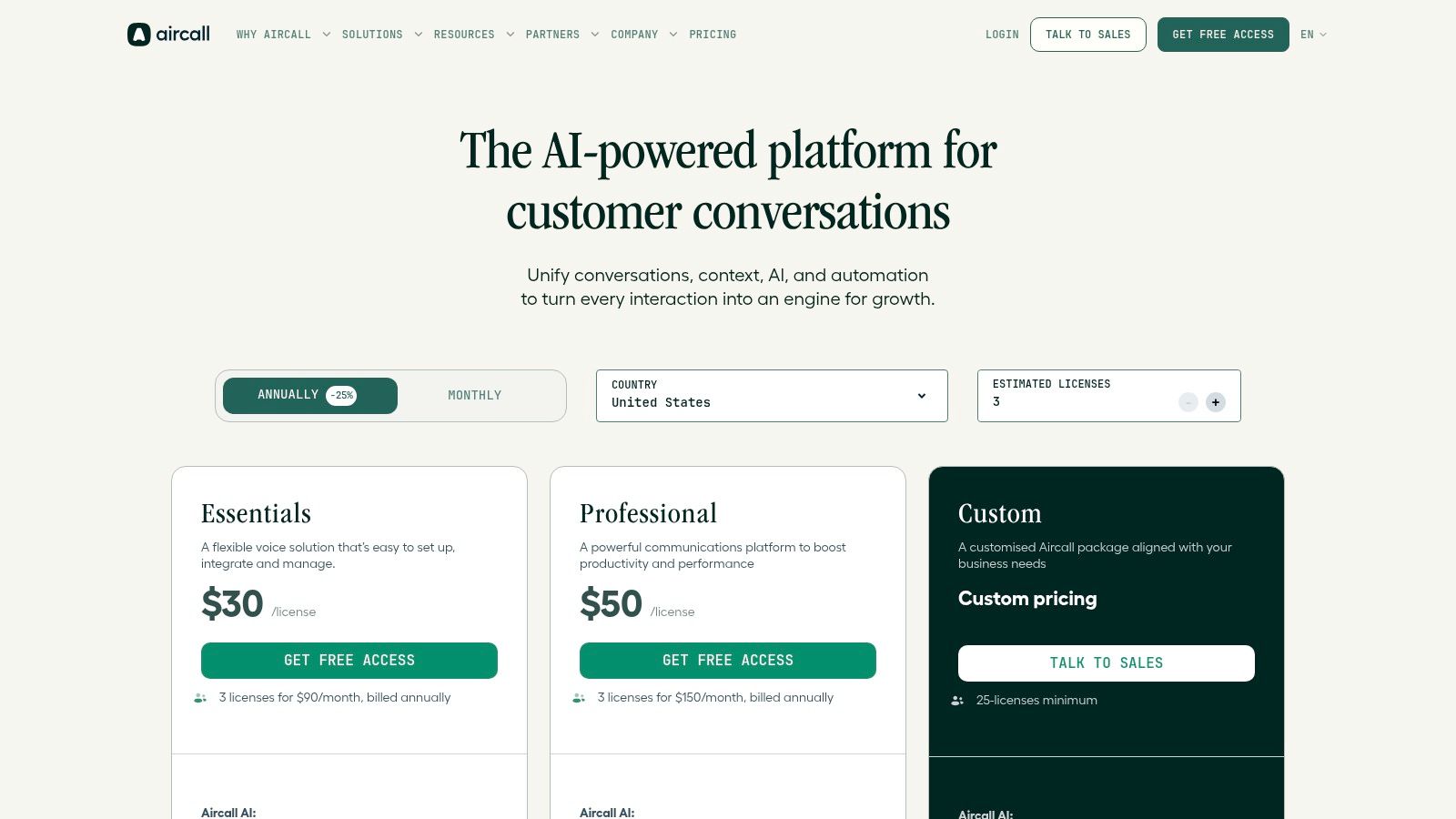
The platform includes smart routing, IVR, queue callbacks, recording, and AI functions such as summaries, sentiment, key topics, and scoring. That combination makes it a natural fit for revenue teams that need to associate calls with contacts, deals, tickets, and follow up tasks. The Aircall pricing page provides the current plan structure.
Fast rollout, careful cost review
Aircall's deployment advantage is real for non technical teams. A revenue operations leader can usually get numbers, users, queues, and CRM connections moving without treating the phone system as a large infrastructure program.
The limitation is that advanced analytics and some AI capabilities may require higher tiers or add ons. Per minute usage and extra numbers can also change the total cost, especially for teams with international coverage or heavy outbound activity. Before signing, finance and operations should model domestic minutes, international minutes, numbers, recordings, AI, and integration requirements together.
For teams that need to turn call signals into a coordinated GTM response, signal to call workflows can extend Aircall activity into enrichment, qualification, and outreach without replacing the underlying phone system.
5. CloudTalk
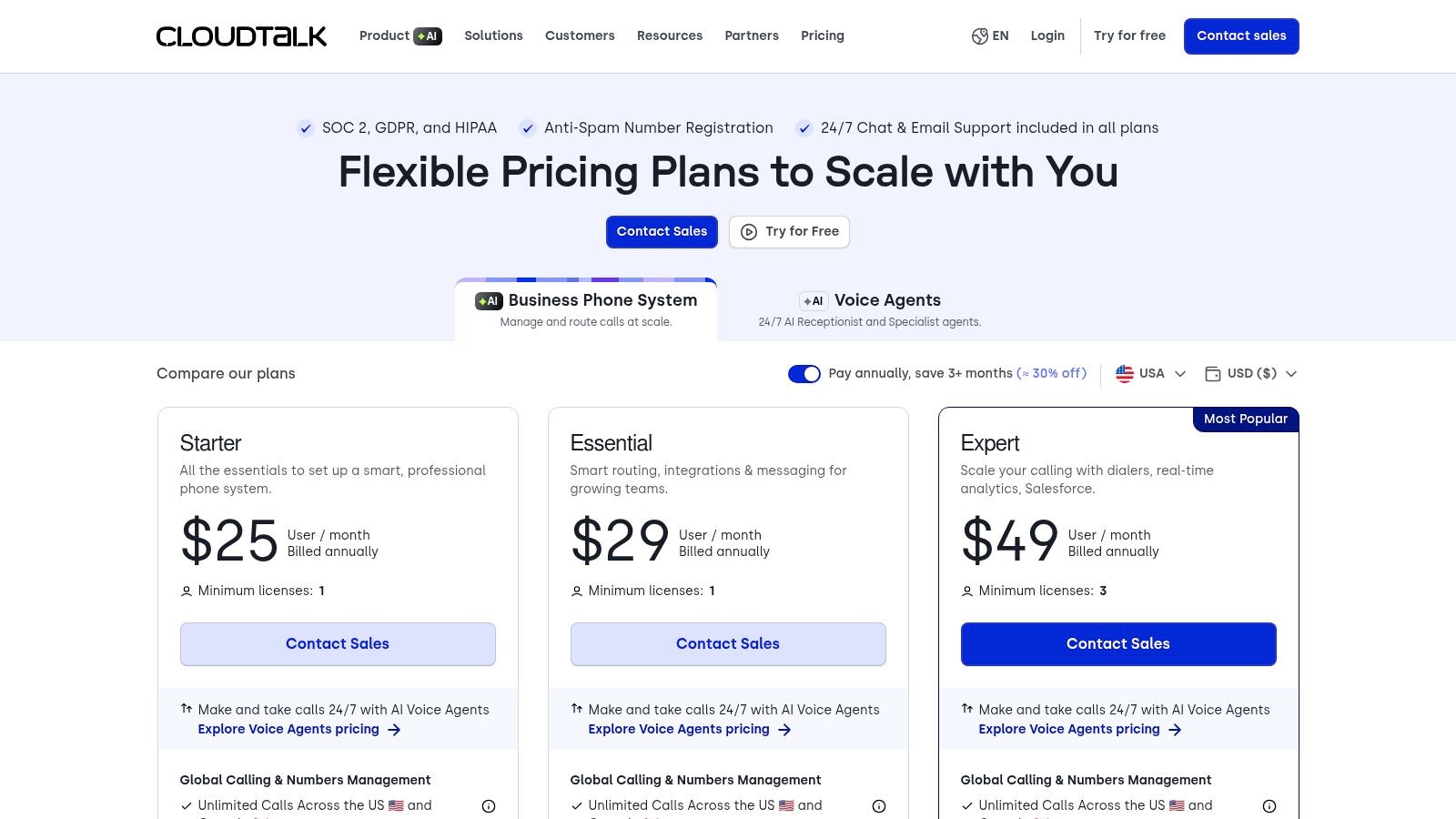
CloudTalk is the better fit for global sales and support teams that need outbound mechanics and broad number coverage. Its visual call flow builder gives operators a practical way to configure IVR, VIP queues, callbacks, and departmental routing without building every change through engineering.
The platform supports local numbers in more than 160 countries, along with branded caller ID options. It also offers power and parallel dialers, conversation intelligence, AI Receptionist and AI Agents bundles, and integrations through native connections, Zapier, and Make. Buyers can inspect the available packaging on the CloudTalk pricing page.
Global coverage isn't the same as global readiness
Local numbers can improve regional presence, but operations still need to validate number availability, caller ID behavior, recording requirements, language support, and rates by destination. A global sales team should test the complete path from dialer to CRM, including how answered calls, voicemails, callbacks, and failed attempts are logged.
CloudTalk's strongest outbound tools aren't all included in every plan. The parallel dialer and AI bundles can be add ons, and pricing or options may vary by region and volume. That makes a pilot important for teams with high dialing activity. The right question isn't whether CloudTalk has a feature, but whether the selected package supports the team's countries and motion at an acceptable usage cost.
6. JustCall
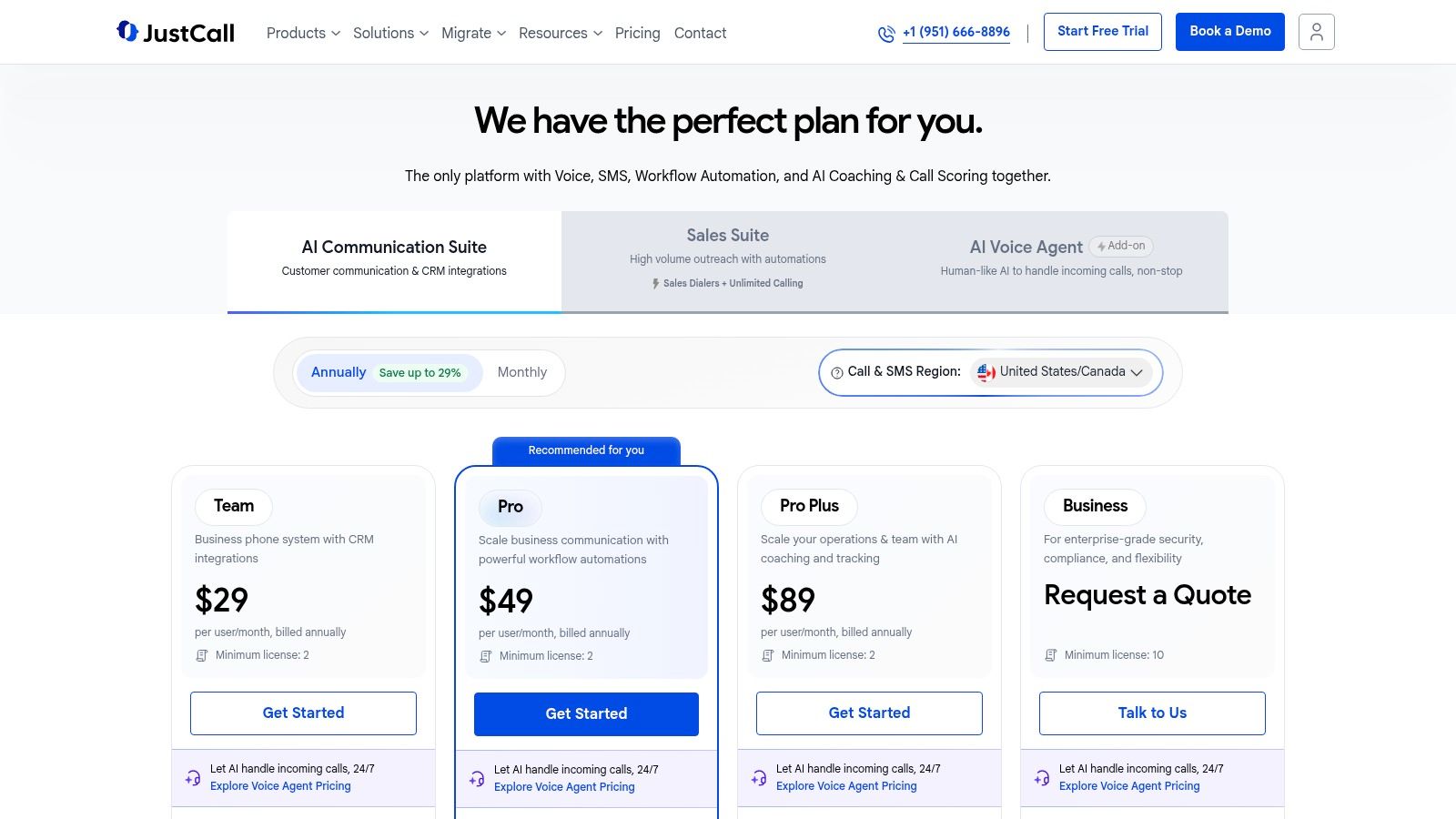
JustCall is built around outbound GTM execution, particularly when voice and SMS need to work together. Its power dialer, campaign tools, click to call, recording, and CRM integrations make it easier for sales teams to move from a contact list to a documented conversation.
The product includes desktop, mobile, and web apps, along with AI options for call scoring, coaching, and voice agents on its AI plan. Some plans bundle minutes and SMS by region, while usage outside those bundles is billed through credits under a pay as you go model. Teams should review the JustCall pricing plans against their expected calling pattern, not just the seat price.
Where the model works
JustCall suits teams that run repeatable campaigns, need SMS follow up, and want sales reps to work from a focused interface. It isn't trying to be a universal enterprise communications suite, and that narrower focus can be an advantage for an outbound team.
The main risk is usage unpredictability. Credits, regional bundles, add ons, and AI tiers can make a simple plan difficult to forecast. Operations should set alerts for consumption and define ownership for opt outs, recording access, and campaign approvals. Teams that need a broader automated motion can also connect calling to outbound sales automation workflows so call outcomes trigger the next approved action instead of sitting in a log.
7. Kixie
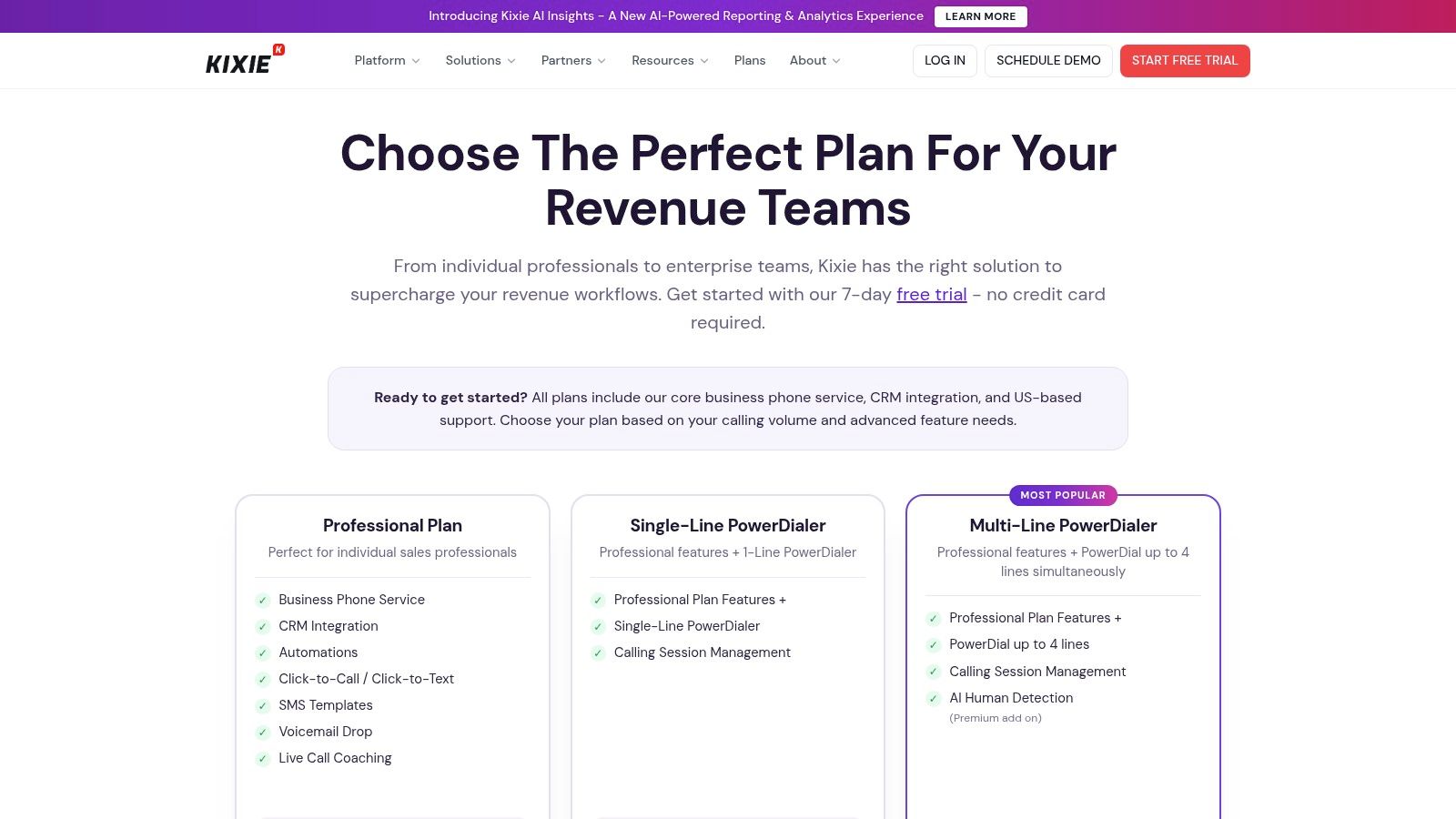
Kixie targets the speed to lead problem. Its multi line PowerDialer, local presence features, CRM embed, live leaderboards, coaching, and webhooks are designed for sales teams that care about getting representatives into conversations quickly.
The CRM connection is central. Kixie supports bi directional logging with HubSpot, Salesforce, Pipedrive, Zoho, and other systems, while its open API and webhooks allow operations teams to connect calling events to custom workflows. The product details and current packaging are available through the Kixie pricing page.
Choose it for sales velocity, not service complexity
Kixie is a strong choice when managers measure connect activity, coaching, and CRM hygiene. Local presence and multi line dialing can make the system feel purpose built for outbound teams rather than general office calling.
It isn't a full contact center replacement for a complex support organization. Teams that need deep inbound skills routing, large service queues, workforce management, or broad omnichannel case handling should look elsewhere or pair Kixie with another system.
Per minute usage and add ons can accumulate for heavy dialers. The business case should include actual dialing behavior, number strategy, recording retention, and CRM automation. A cheap seat can become an expensive operating model when the team makes extensive outbound calls without usage controls.
8. Nextiva
Nextiva is a sensible option for small and mid sized organizations that want simple business calling plus team communication. Its auto attendant, recording options, analytics, team chat, video, and CRM integrations cover the standard needs of companies moving away from informal phone handling.
The threaded conversation view combines voice, SMS, and email, which can help a representative understand a customer interaction without switching among several applications. Native chat and video also reduce the number of collaboration tools required for internal work. Leaders can review the current package through the Nextiva pricing page.
The trade off is controlled simplicity
Nextiva's onboarding and administration are easier to justify when the organization wants a reliable shared business phone rather than a highly specialized sales dialer or contact center. Support and administrative tooling are useful for teams without a dedicated telecom administrator.
Advanced digital channels and some higher order capabilities may sit in add ons or higher tiers. International calling also depends on the selected plan and add ons. Before rollout, the team should map every required channel, country, recording policy, and CRM action to a specific package. Otherwise, a simple initial purchase can turn into a collection of upgrades.
Nextiva is less compelling for a sales organization that needs aggressive dialing workflows, deep AI coaching, or highly customized routing. It works better as a broad business communications foundation.
9. 8x8 Business Phone X Series
8x8 Business Phone, also known as the X Series, is suited to global organizations that prioritize voice resilience, compliance, and a path into contact center operations. It provides auto attendant and IVR, queues, analytics, global calling plans, and a broad PSTN footprint.
The platform also supports Microsoft Teams direct routing options and contact center integrations. That makes it useful when voice must fit into an existing collaboration environment while preserving a more specialized telephony backbone. Organizations can review available tiers through the 8x8 plans and pricing page.
Plan for administrative depth
8x8 gives larger teams room to separate regions, queues, permissions, and operational reporting. It is a better fit than a lightweight shared inbox when the organization needs predictable behavior across countries and wants to keep contact center expansion available.
The cost and feature set vary by region and seat count, so buyers should avoid comparing list prices without modeling the intended deployment. International calling, compliance controls, analytics, Teams routing, and future contact center requirements all affect the decision.
The administration can be more than a very small team needs. A company with a handful of users and a simple inbound line may spend more time configuring 8x8 than operating it. A global team with formal ownership, however, can benefit from having that depth available.
10. Quo, formerly OpenPhone
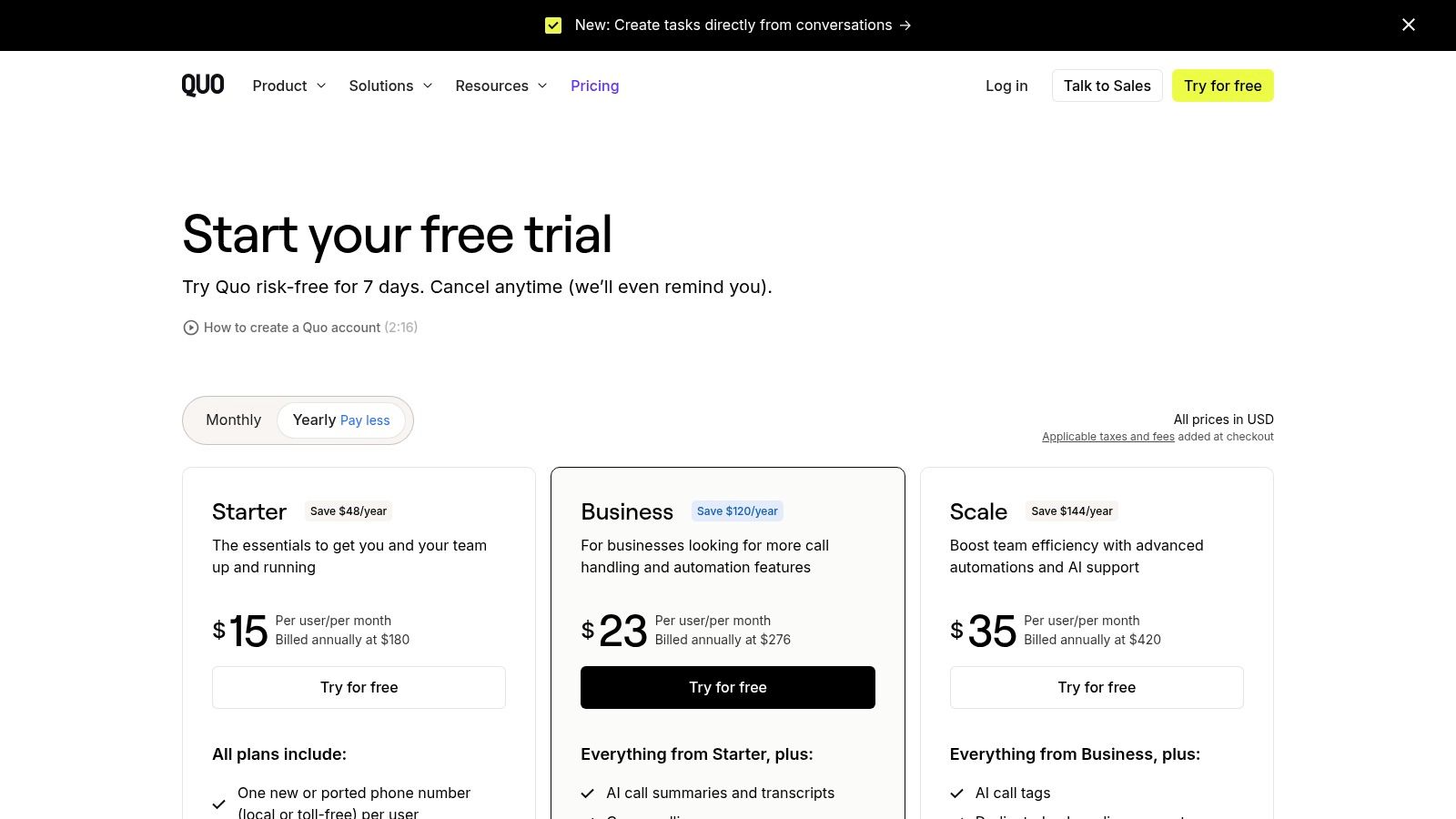
Quo is the most approachable choice for small and growing teams that need shared business calling without enterprise telephony complexity. Its app based design supports IVR and menus, transfers, recording, analytics, shared inboxes, and integrations with HubSpot and Salesforce.
The product also includes Sona AI features such as call summaries, transcripts, and call tags, with AI call handling credits provided through plans. A public API gives growing teams a route into custom workflows. Current packaging is available on the Quo pricing page.
Fast setup, fewer enterprise controls
Quo is attractive when a founder, sales manager, or operations generalist needs to set up numbers and shared ownership quickly. The clean experience across devices helps teams avoid routing customer calls through personal phones or scattered voicemail boxes.
The limitation is scale and control. Quo is best suited to SMB and lower mid market use cases, with fewer enterprise telephony controls than RingCentral, 8x8, or similar platforms. U.S. texting requires 10DLC registration, and fees apply, so SMS planning must include registration and compliance work.
It also shouldn't be mistaken for a complete GTM automation system. Quo can capture and summarize calls, but the team still needs a process for qualification, CRM updates, follow ups, approvals, and reporting.
Top 10 Call Management Apps Comparison
| Product | Core features ✨ | UX & Quality ★ | Value / Price 💰 | Target 👥 | Standout 🏆 |
|---|---|---|---|---|---|
| RingCentral RingEX | Multi-level IVR, queues, global numbers, analytics; AI call recaps ✨ | ★★★★★, enterprise-grade reliability | 💰 $$, pricier at higher tiers | 👥 Hybrid & multi-location teams, enterprises | 🏆 Broad feature set + strong compliance |
| Zoom Phone | Auto-receptionist, queues, recording; BYOC & HW options ✨ | ★★★★, seamless Zoom integration | 💰 $, competitive entry (US/CA) | 👥 Orgs standardized on Zoom | 🏆 Unified Meetings/Phone/Chat admin |
| Dialpad Ai Voice | Live transcripts, action items, sentiment; IVR & recording ✨ | ★★★★, AI-first call insights | 💰 $, some AI gated to higher tiers | 👥 Sales-led teams wanting AI on calls | 🏆 Native real-time AI coaching & analytics |
| Aircall | Smart routing, IVR, queue callbacks; large integrations ✨ | ★★★★, fast deployment, friendly UI | 💰 $, add-ons/per-minute can raise cost | 👥 GTM & support teams using CRMs | 🏆 Integration marketplace + quick setup |
| CloudTalk | Visual call flows, dialers, 160+ local numbers; AI bundles ✨ | ★★★★, call-center grade for outbound | 💰 $–$$, AI/parallel dialer add-ons | 👥 Global sales & support teams | 🏆 Strong outbound tools & global coverage |
| JustCall | Voice + SMS campaigns, power dialer, AI coaching ✨ | ★★★★, sales-friendly workflows | 💰 $, bundled minutes; PAYG credits beyond | 👥 Outbound-focused GTM teams | 🏆 Campaign tooling + AI coaching options |
| Kixie | Multi-line PowerDialer, local presence, CRM embed ✨ | ★★★★, fast speed-to-lead workflows | 💰 $, per-minute/add-ons for heavy dialers | 👥 High-connect sales teams | 🏆 Deep CRM embedding & ConnectionBoost |
| Nextiva | Auto-attendant, recording, threaded voice/SMS/email ✨ | ★★★★, simple onboarding & support | 💰 $, SMB/mid-market friendly | 👥 SMB → mid-market teams | 🏆 All-in-one phone + chat + video simplicity |
| 8x8 Business Phone (X Series) | IVR, queues, analytics, global PSTN footprint ✨ | ★★★★, resilient global UCaaS | 💰 $–$$, varies by region/seat | 👥 Teams needing predictable global calling | 🏆 Global reach + upgrade path to CCaaS |
| Quo (formerly OpenPhone) | IVR, recording, shared inbox; Sona AI summaries ✨ | ★★★★★, very fast setup, clean UX | 💰 $, transparent pricing + AI credits | 👥 SMB & growing teams | 🏆 Fast setup, clean apps & Sona AI features |
Turn Call Activity Into a Repeatable GTM Motion
The selection process should begin with the operating problem, not the vendor demo. A team with global voice governance needs a different system from a startup trying to share a few numbers, and an outbound sales floor needs different controls from a support operation managing queues and callbacks.
Leaders should score each candidate against the same decision areas:
- Routing complexity: Assess IVR depth, queues, business hours, skills, escalation paths, transfers, and callback handling.
- Geography: Test number availability, international calling, caller ID, local regulations, and regional administration.
- Call volume: Model inbound and outbound usage, bundled minutes, per minute charges, credits, numbers, and AI consumption.
- CRM integration: Confirm contact matching, activity logging, recording links, disposition fields, webhooks, and failure handling.
- Recording requirements: Define consent, retention, access, redaction, review, and deletion rules before enabling recording.
- Analytics depth: Track first call resolution, average speed of answer, call abandonment rate, average handling time, IVR containment rate, and correct first attempt routing. These are established contact center measures for assessing resolution, speed, containment, and routing quality, as outlined in automated call routing metrics.
- AI needs: Separate transcription and summaries from automated actions. Decide which actions require human approval.
- Administration: Identify who provisions numbers, maintains flows, reviews permissions, audits recordings, and owns integrations.
- Total usage cost: Include seats, minutes, SMS, international rates, add ons, dialers, AI, number fees, hardware, and implementation effort.
Compliance needs to be part of the design, especially for outbound campaigns and automated voice. Under the FTC's Telemarketing Sales Rule, outbound telemarketing calls that deliver prerecorded messages are prohibited unless the seller has prior signed written agreement from the recipient. The FTC says this rule has applied to most prerecorded telemarketing calls since September 1, 2009, as explained in its Telemarketing Sales Rule guidance. The FTC also states that a robocall selling something is illegal without written permission directly from the consumer, regardless of National Do Not Call Registry status, in its robocall guidance for consumers.
The FCC's TCPA order says callers generally can't initiate an artificial or prerecorded voice call to a residential line without prior express consent, unless a statutory exception applies. It also addresses one to one consent rules for certain telemarketing practices in the FCC TCPA order. Legal review should cover the selected carrier, campaign type, consent records, caller identity, recording notices, texting registration, and escalation process.
Run a controlled pilot
A controlled pilot should use one real workflow, not the entire phone operation. Pick a motion such as inbound demo requests, missed call recovery, a support queue, or an outbound qualification campaign. Define the desired result, the owner, the required CRM fields, the recording rule, and the point where a human must approve the next action.
The pilot should test both successful and failed paths. A call that reaches an agent is only one path. The team also needs to test voicemail, wrong numbers, transfers, queue overflow, callback requests, duplicate contacts, missing CRM records, failed webhooks, and consent exceptions.
Missed call recovery deserves special attention because call logs alone don't recover demand. The workflow should specify who receives the alert, how the callback is prioritized, what happens if the first callback fails, and how the result enters the CRM. Voice, SMS, email, and CRM handoffs should feel like one customer journey rather than disconnected tasks, an approach discussed in omnichannel call center orchestration.
Yalc can sit above the selected phone system as a unified GTM API and knowledge orchestration layer. It can connect call outcomes with enrichment, ICP scoring, sequencing, reply handling, CRM synchronization, reporting, telemetry, scoped permissions, and human approvals. Yalc also connects with call recorders used for sales conversations, including Fireflies, Claap, Granola, and Otter, so teams can use their existing calling stack while extending what happens after the conversation.
The practical decision rule is simple: choose the phone system that fits the call motion, then automate the surrounding GTM work without forcing the team to replace its existing stack. The right workflow driven phone system should make calls easier to route and govern. The surrounding operating layer should make the resulting data useful.
Yalc connects call activity and recordings to enrichment, qualification, outreach, CRM updates, reporting, approvals, and audit trails through a unified GTM API. Visit Yalc to see how the existing phone stack can become part of a controlled, workflow driven GTM motion.