Email Enrichment Tools: 10 Ranked for GTM Teams in 2026

Database size is the wrong thing to compare. The largest database rarely produces the best match rate for a specific list, market, or buyer profile. A provider can return a populated email field while missing the person, role, company, or deliverability standard that matters to the campaign.
The useful question is where enrichment runs and who owns the output. A HubSpot team needs a different system from an engineering team building an API pipeline. An SDR may value a browser lookup, while RevOps may need identity resolution, audit trails, and a waterfall with a second source.
This ranking weighs data quality, enrichment depth, integrations, pricing transparency, and practical fit. It also separates a primary provider from a gap filler. Independent testing reported valid emails from a single source for only 62% of tested contacts, while multi source enrichment exceeded 90% match rates when records were verified close to use, as reported by Unify's provider comparison. Teams planning regional outbound should also review this guide to enrichment tools for APAC outbound.
Table of Contents
- 1. Clearbit by HubSpot
- 2. ZoomInfo Enrich
- 3. Apollo.io
- 4. People Data Labs
- 5. FullContact
- 6. Lusha
- 7. Hunter
- 8. Dropcontact
- 9. Snov.io
- 10. RocketReach
- Top 10 Email Enrichment Tools Comparison
- Test Two Providers on Your Own List Before You Sign
1. Clearbit by HubSpot
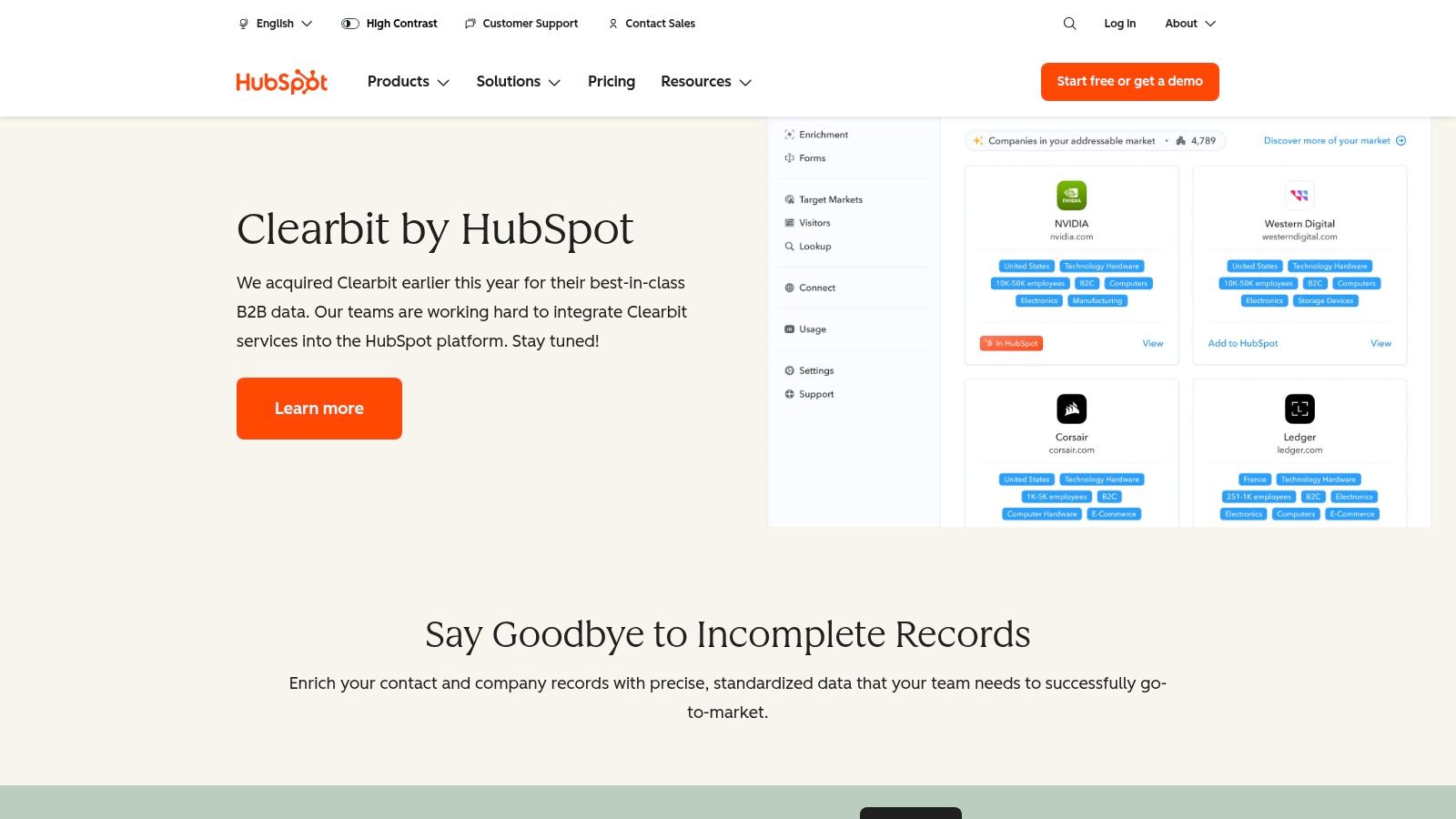
Clearbit by HubSpot is the easiest choice for teams that already run their revenue process in HubSpot. It places company and contact enrichment inside the CRM, so operators can refresh records, add firmographic and technographic fields, and identify anonymous website visitors without stitching together a separate workflow.
The strongest use case is low friction maintenance. Clearbit can enrich records continuously, support batch and API workflows, and provide Reveal for website visitor identification and audience building. HubSpot users also get more control over which fields sync and how enrichment affects existing CRM values.
Where it works and where it breaks
Clearbit is a poor standalone purchase for a small team that only needs occasional email lookups. Its value comes from the surrounding HubSpot workflow. Teams already paying for HubSpot can reduce manual field completion and keep routing, scoring, and segmentation closer to the source record.
Coverage is strongest for many United States and United Kingdom mid market contacts, but teams should test their own geography before committing. Clearbit's packaging and pricing are also less transparent after the acquisition, which makes a controlled sample more important than a feature tour.
Best fit: HubSpot native CRM enrichment, inbound form enrichment, and website visitor identification.
Pair it with: Hunter or Dropcontact when a record needs a separate email discovery and verification path.
See the current product details on HubSpot's Clearbit page.
2. ZoomInfo Enrich
ZoomInfo Enrich is built for enterprise data operations, not casual prospecting. It handles company and contact enrichment, organizational structures, direct dials, intent signals, scheduled refreshes, real time APIs, batch jobs, and webhooks across a broad revenue stack.
The practical advantage is control at scale. A large organization can define enrichment rules, recheck records proactively, and distribute normalized fields across CRM, marketing automation, and RevOps systems. That matters when stale data affects routing or account ownership, not just one SDR's list.
Enterprise depth has a cost
ZoomInfo's broad dataset and phone coverage are useful for account based programs, but the platform can be excessive if the team only needs verified work emails. Pricing is contract based, and smaller companies may pay for a wider suite than they need.
The right evaluation is not a database tour. Run a representative sample through the API, verify every returned email with the same independent process, and measure field match, hard bounce rate, and usable contact cost. Teams comparing ZoomInfo with Apollo may also benefit from this Apollo and ZoomInfo comparison.
Best fit: Enterprise enrichment, scheduled refresh, complex account hierarchies, and large CRM operations.
Pair it with: Hunter or a neutral verifier when the campaign requires an independent deliverability gate.
Review the platform on ZoomInfo's Data as a Service page.
3. Apollo.io
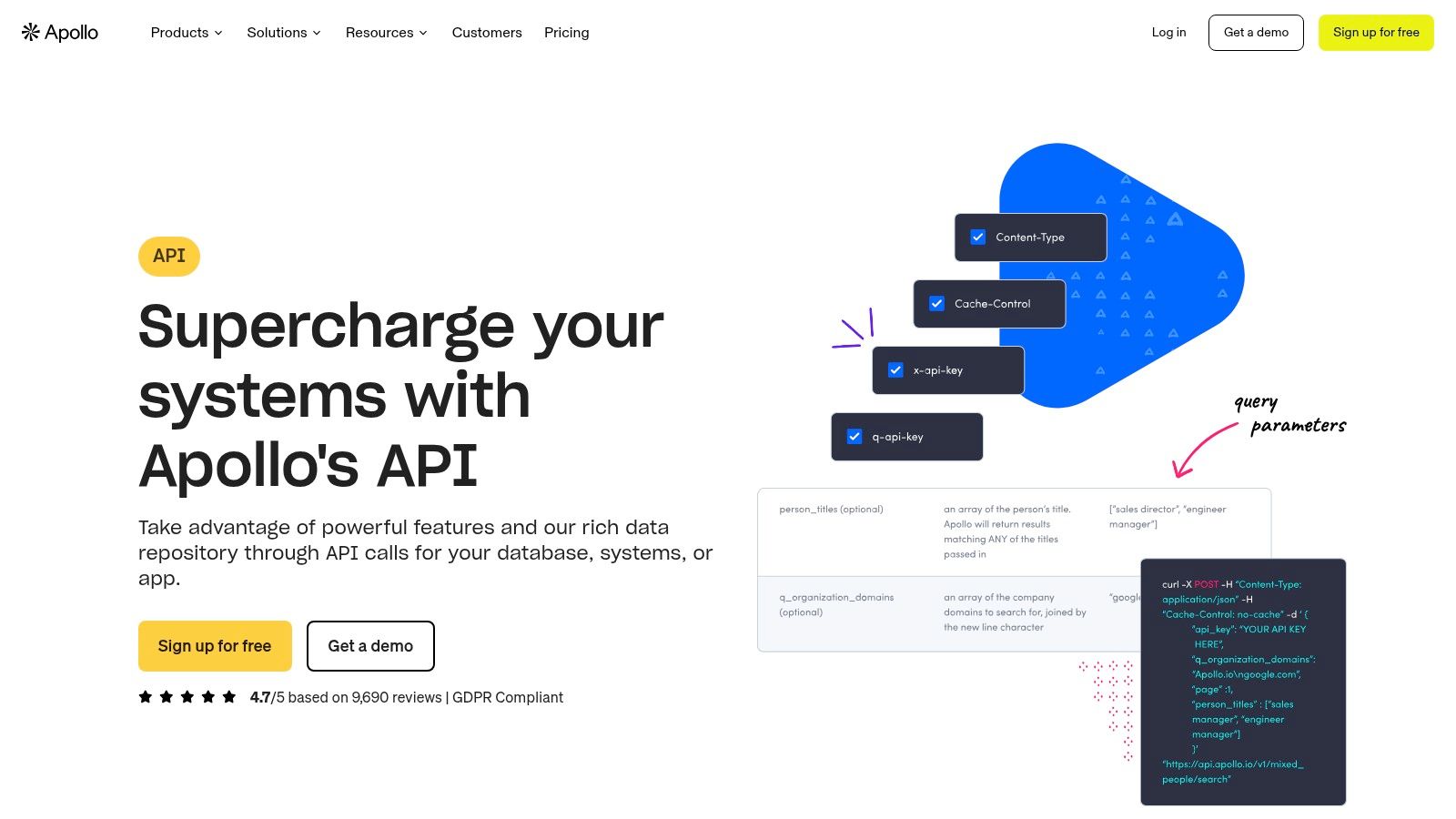
Apollo.io makes sense when enrichment and outbound execution need to live in the same operating workflow. Its REST API supports person and organization enrichment, including bulk requests, while the platform connects search, credits, CRM workflows, and sequences.
The API is accessible enough for growth teams that don't want a long implementation project. Developers can inspect endpoint usage and rate limits, then build enrichment into a lead intake or CRM process. Operators can also use the platform directly when they need to research and activate contacts without handing every task to engineering.
Watch the credit logic
Apollo's main trade off is usage predictability. Credit consumption can vary by endpoint and by the data returned, so a workflow that looks cheap in a small test may cost more once it includes phone data, bulk enrichment, and repeated refreshes. Per seat platform costs can also grow as more SDRs need access.
That doesn't make Apollo a bad value. It makes measurement necessary. Track credits per usable record, not credits per request. For teams that want to compare another platform before choosing, Flowkon's Apollo comparison provides another reference point.
Best fit: Growth teams that want API access, prospecting, enrichment, and outreach in one stack.
Pair it with: Hunter for email verification, or a second provider for regional gaps.
Read the API documentation on Apollo's product page.
4. People Data Labs
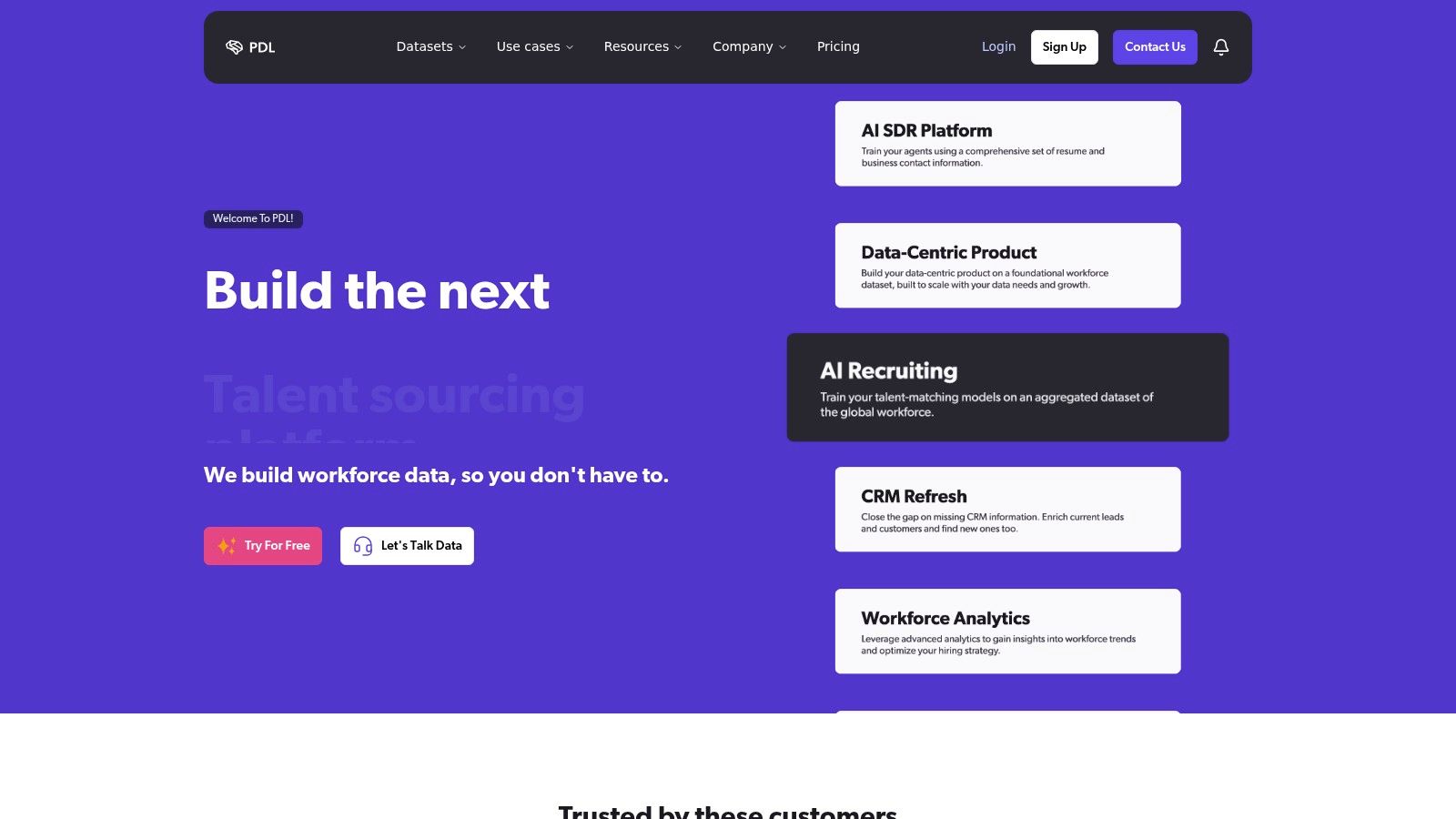
People Data Labs is the developer first option in this list. It supports person and company enrichment through APIs, flexible inputs such as email, name and company, and identity resolution through Identify and Resolve endpoints.
That flexibility suits teams building their own pipeline. A product team can enrich signups, a warehouse team can run batch or CSV jobs, and RevOps can map returned fields into an internal schema. The transparent credit model and free tier also make it easier to test before the team designs a larger workflow.
Resolve identity before filling fields
PDL is strongest when the team needs a programmable data layer, not a ready made sales workspace. Per match credit accounting requires planning, especially when the input data is incomplete. Teams may also need a separate verifier because a person match and a deliverable email are different outcomes.
A solid pipeline should store the original input, the resolved identity, the provider response, the confidence state, and the verification result. This waterfall enrichment guide explains why a second source often improves coverage without making one provider responsible for every record.
Best fit: Custom API pipelines, product signup enrichment, identity resolution, and batch processing.
Pair it with: Hunter or Dropcontact for email discovery and verification.
Explore the platform at People Data Labs.
5. FullContact
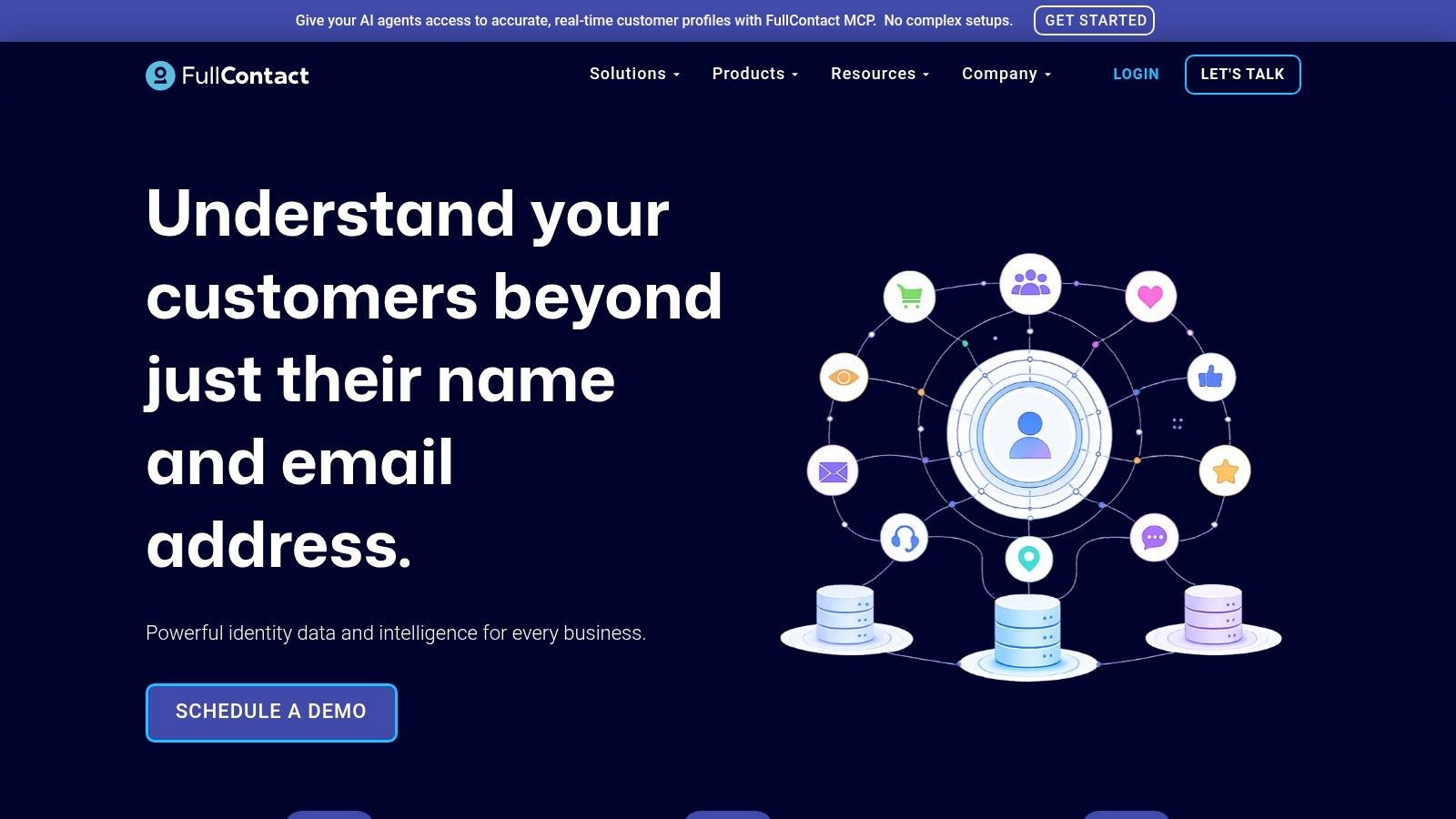
FullContact is the better choice when duplicate identities are the main problem. It resolves fragmented identifiers such as emails, phones, social profiles, and cookies into persistent person and company identities, then appends attributes to the consolidated record.
That sequence matters. Enriching first and deduplicating later can create multiple versions of the same person, each with conflicting company or role data. FullContact's identity layer is useful for teams that need a stable record before they decide which fields to write back to a CRM or warehouse.
It is not just an email finder
FullContact provides person and company enrichment APIs, SDKs, and bulk or asynchronous workflows. Its Go, Python, and Node SDKs can reduce integration effort for engineering teams working across several data sources.
The trade off is commercial rather than technical. Public self serve pricing isn't available, so a sales process is required. That is reasonable for identity resolution programs, but unnecessary for a team that only needs a few work emails from company domains.
Best fit: Identity resolution, deduplication, persistent customer records, and cross channel data unification.
Pair it with: A focused verifier such as Hunter when deliverability is the immediate campaign requirement.
Visit FullContact for the current API and identity resolution offering.
6. Lusha
Lusha is designed for the SDR desk. The browser extension, CRM enrichment options, bulk workflows, and contact API let sales users move from a profile or company page to a usable contact record quickly.
That operating model is its strength. A rep can research a prospect without opening a separate data project, while RevOps can support batch enrichment and CRM updates. Public plan pages and seat based options also make initial budgeting easier than with vendors that require a contract before sharing commercial details.
Speed is useful, until the team scales
Lusha supplies emails, direct dials, company information, signals, and lookalike options. International and mobile coverage varies by segment, so a team targeting several regions should test each segment instead of treating one result as representative.
Seat based credit models can become expensive when many users need access. The better control is to centralize bulk enrichment in RevOps and reserve individual credits for genuine desk lookups. Teams considering other SDR focused options can review these Lusha alternatives.
Best fit: Fast SDR research, browser based prospecting, and straightforward CRM enrichment.
Pair it with: Hunter for independent verification, or RocketReach as a second lookup source.
See the product options at Lusha.
7. Hunter
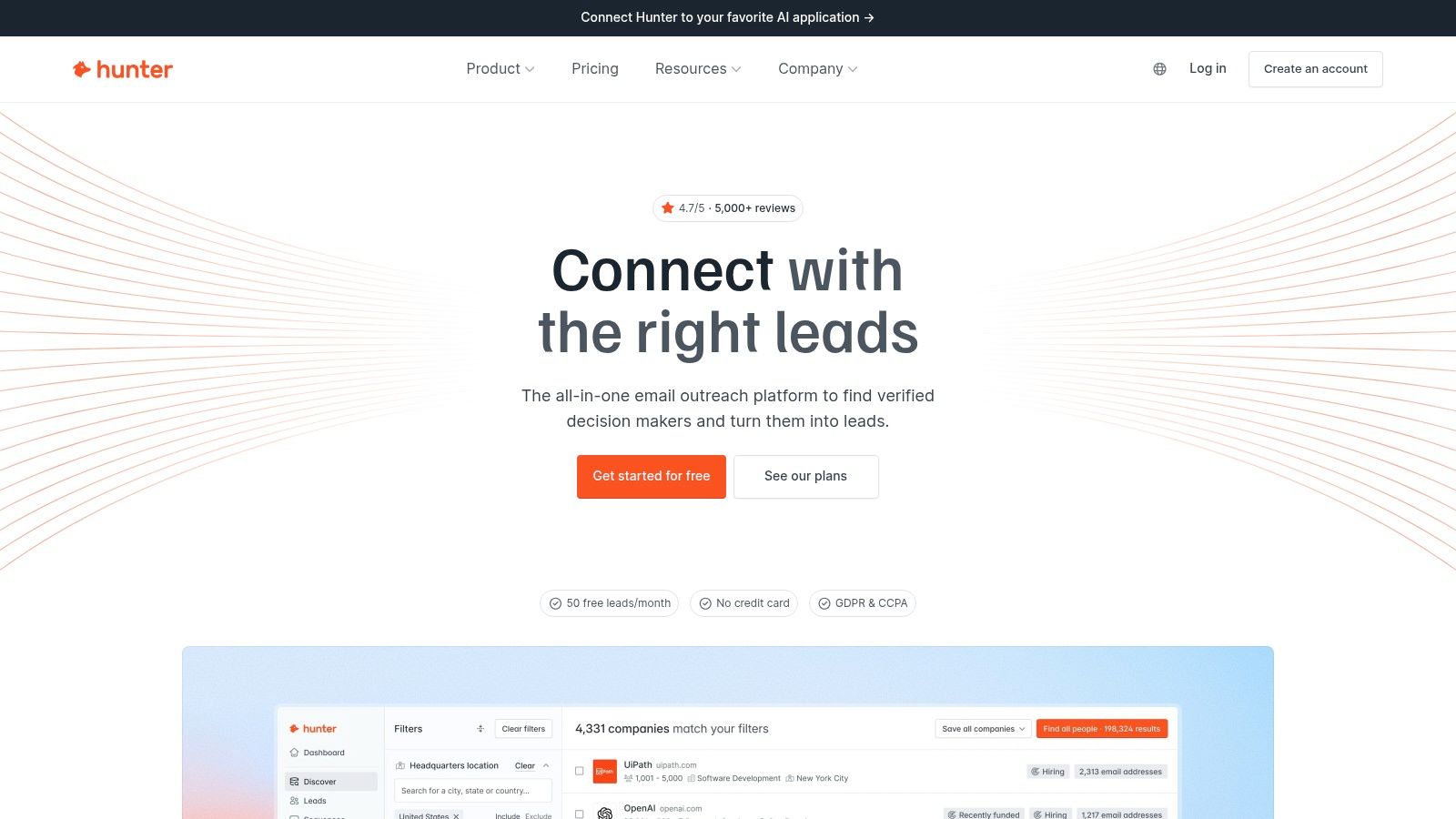
Hunter is the specialist choice for domain based email discovery and verification. It isn't trying to replace an enterprise data cloud. It solves a narrower problem well, finding professional emails connected to a domain and checking whether those addresses are usable.
The tool supports enrichment API endpoints, bulk domain search, bulk verification, and API only Data Platform plans. That makes it practical for teams with a known company domain but incomplete contact records. It also works well as the last gate before a sequence.
Narrow scope can be a feature
Hunter has less firmographic and phone depth than a full enterprise provider. It won't replace ZoomInfo when the team needs hierarchy, intent, or broad account intelligence. It can, however, make a messy email workflow safer and easier to audit.
A credible verifier checks syntax, DNS and MX records, provider behavior, SMTP responses, and catch all status. One 2026 verification study processed 10,241,981 addresses across 293,934 recipient domains and classified results as valid, invalid, risky, or unknown, with 12.3% classified as invalid. The methodology is described in BounceZero's verification benchmark. Hunter should be evaluated against the same operational standard, not only its finder interface.
Best fit: Domain to email discovery, bulk verification, and pre sequence quality control.
Pair it with: Apollo, Lusha, or ZoomInfo for richer contact and company context.
Use the current product and API information on Hunter.
8. Dropcontact
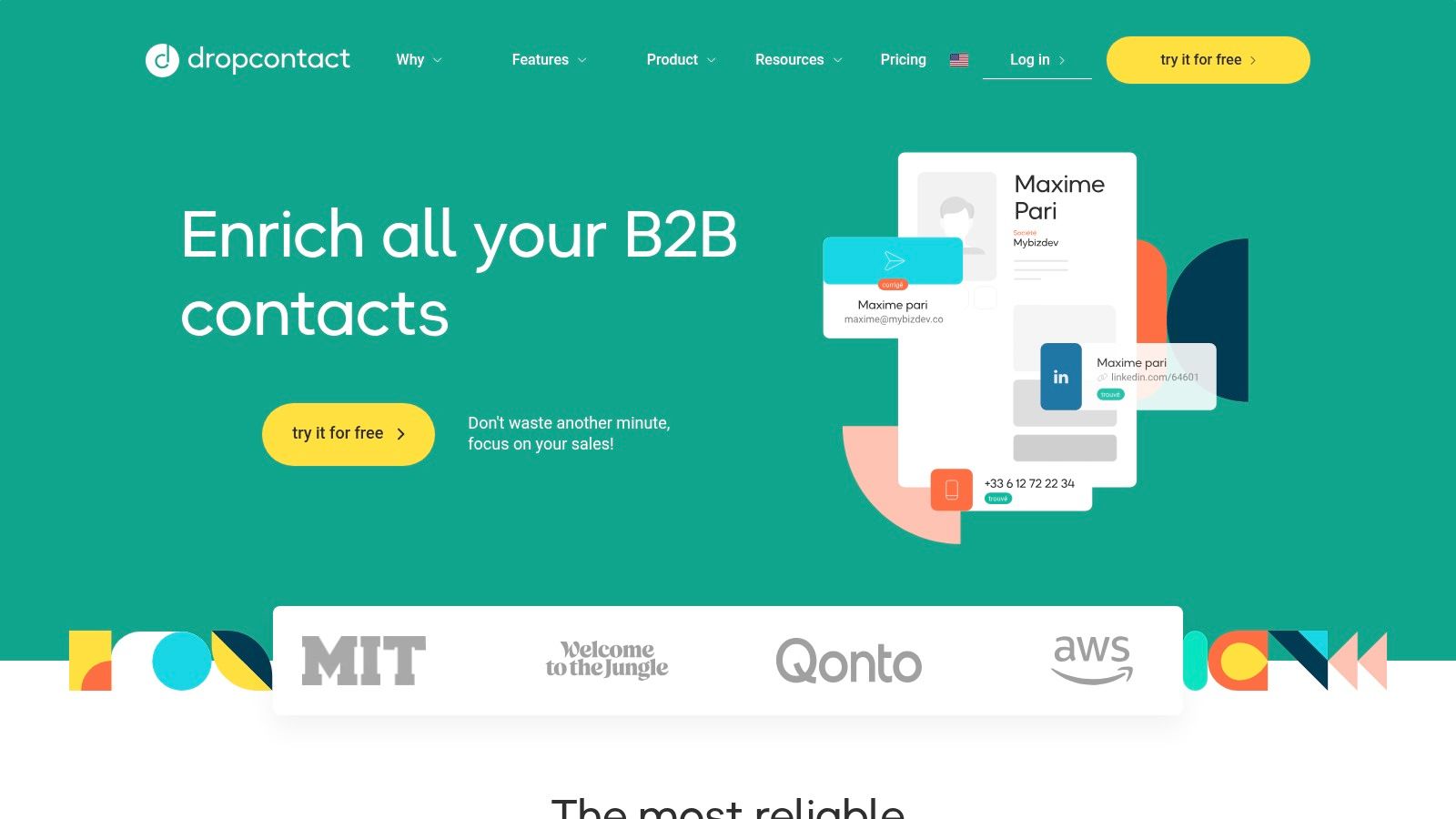
Dropcontact takes a different approach from large static contact databases. It generates and verifies professional email addresses algorithmically from names, company context, and other available identifiers. That makes it especially relevant for European teams that care about compliance posture and freshness.
The product supports API, CSV, and CRM workflows. It can also work from LinkedIn URLs, which gives operators another useful input when a CRM record contains a profile but no email address.
Better for context rich records
Dropcontact needs enough company and person context to make a good result. A bare name without a domain or employer gives the system less to work with. Teams should also expect less visibility into enrichment logs and provider level evidence than they might get from a more orchestration heavy platform.
The compliance question still needs an operating answer. The United Kingdom Information Commissioner's Office says organizations must determine and document a lawful basis before using personal information, with legitimate interests among the possible Article 6 bases. Its lawful basis guidance is a useful reference for recording purpose, source, retention, and objection handling.
Best fit: EU focused enrichment, algorithmic email discovery, and CRM workflows where compliance matters.
Pair it with: A broader company data provider when the workflow needs firmographics or organizational context.
Review the service at Dropcontact.
9. Snov.io
Snov.io is an all in one outbound workspace for small sales teams. It combines email discovery, verification, enrichment, bulk tools, sequences, and LinkedIn automation, so a team can move from finding a contact to running a campaign without adopting several separate products.
That convenience is useful when the process is still simple. A founder or small SDR group can launch quickly, manage credits, and keep the workflow in one interface. The platform also offers API access for teams that need to connect enrichment to another system.
Bundling helps, but depth is limited
Snov.io's trade off is data depth. It is less suitable than ZoomInfo or FullContact when the team needs extensive company hierarchies, persistent identities, or advanced governance. Add on costs can also increase total spend when the team adopts more automation.
The best use is a contained motion with clear suppression rules. Verify addresses, exclude risky or unknown results, and keep the last verification date beside each contact. B2B contact data decays continuously, with an estimated 2.1% monthly decay rate and approximately 22.5% annual decay in one industry analysis from Landbase.
Best fit: Small teams that want discovery, verification, and outreach in one place.
Pair it with: A dedicated verifier or secondary data provider before higher volume campaigns.
Explore the workflow at Snov.io.
10. RocketReach
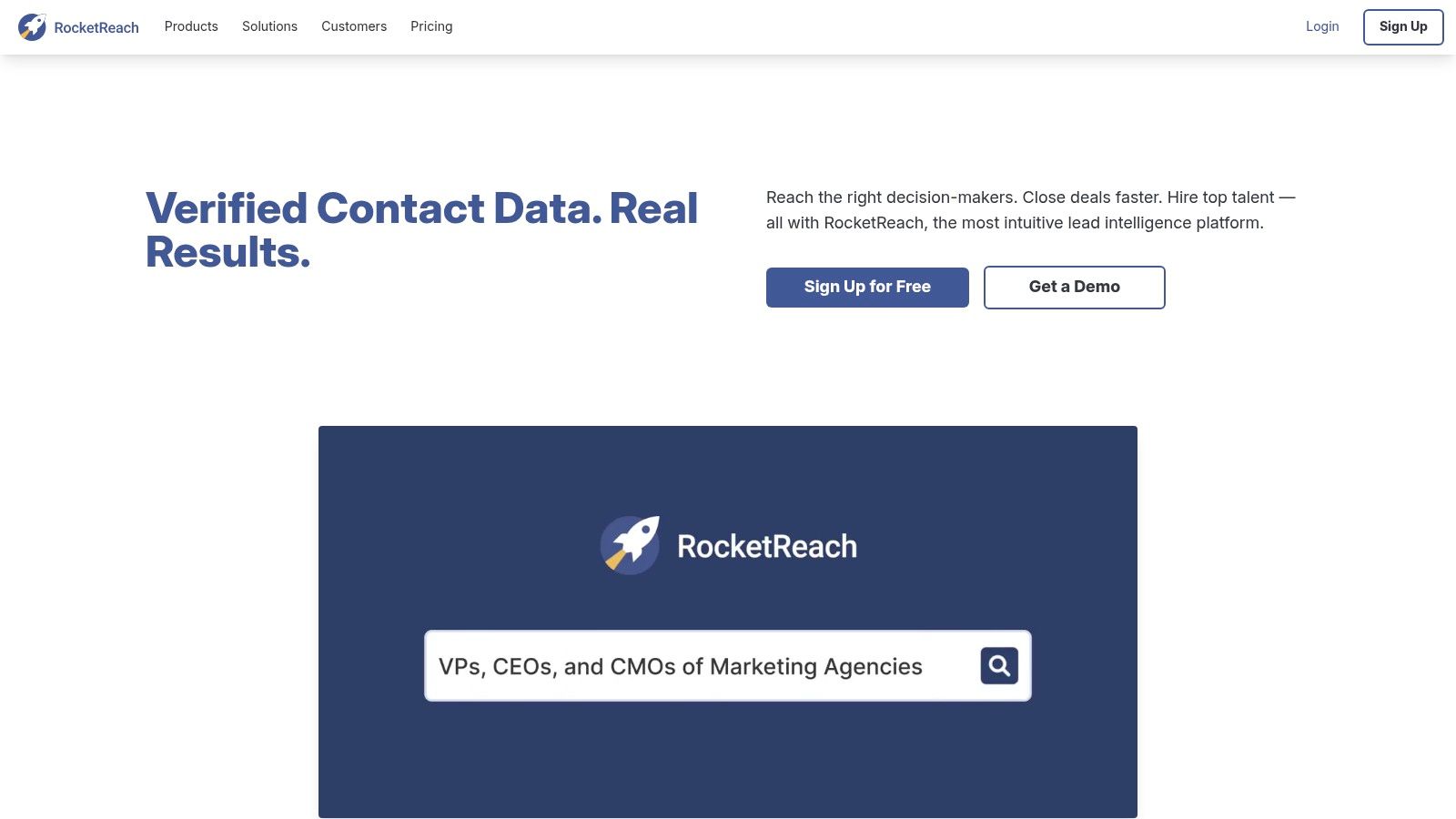
RocketReach works best as a complementary source. It offers person and company lookup, verified emails, phone discovery, API access, browser workflows, and CSV processing. That combination makes it useful when a primary provider leaves gaps in a target list.
The platform is easy to introduce because plan tiers are publicly listed and onboarding is relatively direct. An SDR can use the browser extension for an individual lookup, while RevOps can use the API or CSV workflow for a controlled batch.
Use it as a measured second source
RocketReach has a smaller scope than enterprise data platforms. It shouldn't be treated as the only answer for a global enrichment program that needs deep firmographics, governance, and refresh logic. Export and credit behavior also need attention once usage increases.
A waterfall should query RocketReach only when the primary source fails or returns below the campaign threshold. Store which provider supplied each field, then compare valid match rate, hard bounce rate, reply rate, and qualified opportunity rate by source. That prevents a secondary provider from becoming an unmeasured expense.
Best fit: Gap filling, browser lookups, and a second source in a waterfall.
Pair it with: ZoomInfo, Apollo, or PDL as the primary source, depending on whether the workflow is enterprise, platform based, or API first.
See the current offering at RocketReach.
Top 10 Email Enrichment Tools Comparison
| Provider | Core features | Quality ★ | Value / Price 💰 | Target audience 👥 | Unique / Notable 🏆✨ |
|---|---|---|---|---|---|
| Clearbit (by HubSpot) | Continuous HubSpot enrichment; Reveal visitor ID; batch & API | ★★★★☆, Strong HubSpot UX & mid‑market coverage | 💰 Best value if on paid HubSpot; pricing opaque | 👥 HubSpot-centric GTM teams, mid‑market | ✨ Native CRM governance + Reveal; 🏆 low‑friction HubSpot integration |
| ZoomInfo Enrich | Real‑time & batch enrichment; org charts; intent "Scoops"; webhooks | ★★★★★, Very broad dataset & phone coverage | 💰 Contract‑only enterprise; costly for SMBs | 👥 Large enterprises, RevOps, data ops | ✨ Intent signals + mature refresh controls; 🏆 enterprise scale |
| Apollo.io | Person & org enrichment API; bulk endpoints; credits model | ★★★★☆, Good coverage/value; clear docs | 💰 Credit‑based; cost‑efficient for growth teams | 👥 Growth teams, sales engineers, devs | ✨ Unified credits + simple bulk API; dev‑friendly |
| People Data Labs (PDL) | Identify/Resolve APIs; batch/CSV; transparent credits | ★★★★☆, Developer‑first; rich graph | 💰 Free/pro/enterprise tiers; predictable credits | 👥 Engineers building custom enrichment pipelines | ✨ Large person/company graph; transparent billing |
| FullContact | Identity resolution + enrichment; persistent IDs; SDKs | ★★★★☆, Strong dedupe & resolution | 💰 Sales engagement required; no public pricing | 👥 Teams needing clean, consolidated identities | ✨ Persistent IDs & mature SDKs; 🏆 resolution‑first |
| Lusha | Bulk/CRM enrichment; direct dials; browser extension | ★★★★, Easy for SDR workflows | 💰 Seat‑based plans with credit sliders; clear pricing | 👥 SDRs and sales reps | ✨ Browser extension + phone focus; fast operationalization |
| Hunter | Domain→email discovery; verification; bulk & API | ★★★☆☆, Reliable domain email discovery | 💰 Transparent & affordable published pricing | 👥 Teams needing domain‑based email discovery & verification | ✨ Simple verification + domain search; budget‑friendly |
| Dropcontact | Algorithmic email gen & verification; GDPR posture | ★★★★☆, Good EU coverage; low stale data | 💰 Competitive for EU customers; privacy‑focused tiers | 👥 EU teams and compliance‑sensitive orgs | ✨ "No database" approach; strong GDPR positioning |
| Snov.io | Email discovery, verification, enrichment; sequences & LinkedIn add‑ons | ★★★☆☆, All‑in‑one for small teams | 💰 Budget bundles; add‑ons can raise total cost | 👥 Small sales teams / startups | ✨ Finder→verify→drip workflow; low‑cost bundle options |
| RocketReach | Email & phone lookup; API; extension; CSV workflows | ★★★☆☆, Good complement source; simple UX | 💰 Public tiers; straightforward onboarding | 👥 Ops teams needing a complementary data source | ✨ Easy extension + clear plans; useful in data waterfalls |
Test Two Providers on Your Own List Before You Sign
A vendor's headline coverage doesn't tell a GTM team how many usable contacts it will produce for a specific ICP. Actual performance changes by geography, industry, company size, seniority, source age, and how recently a record was verified. One industry comparison reports actual match rates of roughly 40% to 70%, with weaker results outside North America and English speaking Europe, as documented by Tomba's email enrichment analysis.
Build a test sample from records with known outcomes. Two hundred contacts is enough to expose major gaps without turning evaluation into a full data project. Include contacts from every important market and segment, then mark the known person, company, role, email status, and phone status before sending the file to providers.
Run the same input through two or three shortlisted tools. Compare:
- Found email rate: Did the provider return an address?
- Identity match: Is it the correct person and company?
- Verification result: Does the address pass syntax, DNS, mailbox risk, and catch all checks?
- Phone coverage: Does the returned number reach the right person?
- Usable contact cost: What did each valid record cost?
- Freshness: Does the record include a verification date or source timestamp?
Do not accept “valid” as a single undifferentiated state. Available benchmark evidence reports that 19.6% of contacts in active databases presented deliverability risks, while 7.6% of submitted addresses were already invalid in a 2025 analysis covering nearly one billion addresses across 23 industries, summarized in the Tomba research. Risk labels should stay visible, and risky or unknown records should be suppressed unless an operator approves them.
Choose a primary provider for the normal path and a secondary source for gaps. A waterfall should stop when identity, deliverability, confidence, and freshness meet the campaign threshold. It should not spend credits across every provider just because more data is available.
Review the results again after the workflow has run in production. Track hard bounces, replies, unsubscribes, conversions, and qualified opportunities by provider. One benchmark recommends a hard bounce rate below 1%, while rates above 2% indicate material list quality problems, according to ZoomInfo's data decay guidance. Another provider comparison describes 3% as a minimum threshold used by some revenue operations teams, reinforcing the need to define the standard before testing in Apollo's provider evaluation guidance.
Email enrichment is recurring maintenance, not a one time list build. A database of 100,000 contacts could lose approximately 22,500 valid records over a year at the 22.5% average decay rate, before job changes, closures, duplicates, and missing fields are counted, based on Apollo's contact data quality reference. Recheck high value records before sequencing, preserve provenance and timestamps, and keep provider choice reversible.
A unified GTM API can make that last requirement practical. Yalc uses a common interface for connected tools and data sources, so a team can route enrichment through multiple providers, verify the result, write fields back to a CRM, and swap a provider without rebuilding the entire motion.
Yalc connects email and phone enrichment providers through a unified GTM API, verifies results, and can write enriched fields back to CRM records such as HubSpot or Salesforce. Visit Yalc to see how a provider agnostic enrichment workflow can support waterfalls, approvals, audit logs, and recurring GTM operations.