LinkedIn Prospecting Tools: The 2026 Operator's List
Most buying guides for LinkedIn prospecting tools stack products that do the same job. Search, another search, and a sequencer that also searches. The usual stack has three or four subscriptions and still no clean path from a profile to a qualified record.
LinkedIn launched on May 5, 2003 and had 4,500 members by the end of its first month. It now reports more than 1 billion members across more than 200 countries and territories. That figure is network size, not a list of active buyers. Profiles, employers, seniority, and geography only help after you filter them.
Ten tools, one slot each:
- Gtm Ai Agents for Linkedin: orchestration for research, qualification, personalization, and follow up.
- LinkedIn Sales Navigator: native search and buying group context.
- Apollo: people and company data plus email sequences.
- Surfe: CRM capture while you browse LinkedIn.
- La Growth Machine: LinkedIn and email in one campaign.
- Waalaxy: template sequences for individuals and small teams.
- Dripify: visual LinkedIn sequences, with email on higher plans.
- Dux-Soup: lower priced browser or cloud actions.
- Kaspr: email and phone reveal, not a sender.
- Cognism: enterprise contact and company intelligence.
Keep one search surface, one enrichment path, one sequencer, and one system of record. If two tools both send invites, you pay twice and you raise restriction risk.
Table of Contents
- 1. Gtm Ai Agents for Linkedin
- 2. LinkedIn Sales Navigator
- 3. Apollo
- 4. Surfe
- 5. La Growth Machine
- 6. Waalaxy
- 7. Dripify
- 8. Dux-Soup
- 9. Kaspr
- 10. Cognism
- LinkedIn prospecting tools compared by role, price, and stack fit
- Build the Stack Around the Gap, Not the Hype
1. Gtm Ai Agents for Linkedin
Yalc's LinkedIn agents are the orchestration slot, not another invite tool. They pull profile research into a shared GTM engine that also qualifies, personalizes, sequences, and handles replies. The engine reads your ICP, positioning, voice, and past campaign results, then keeps plays that create pipeline and drops plays that only create activity.
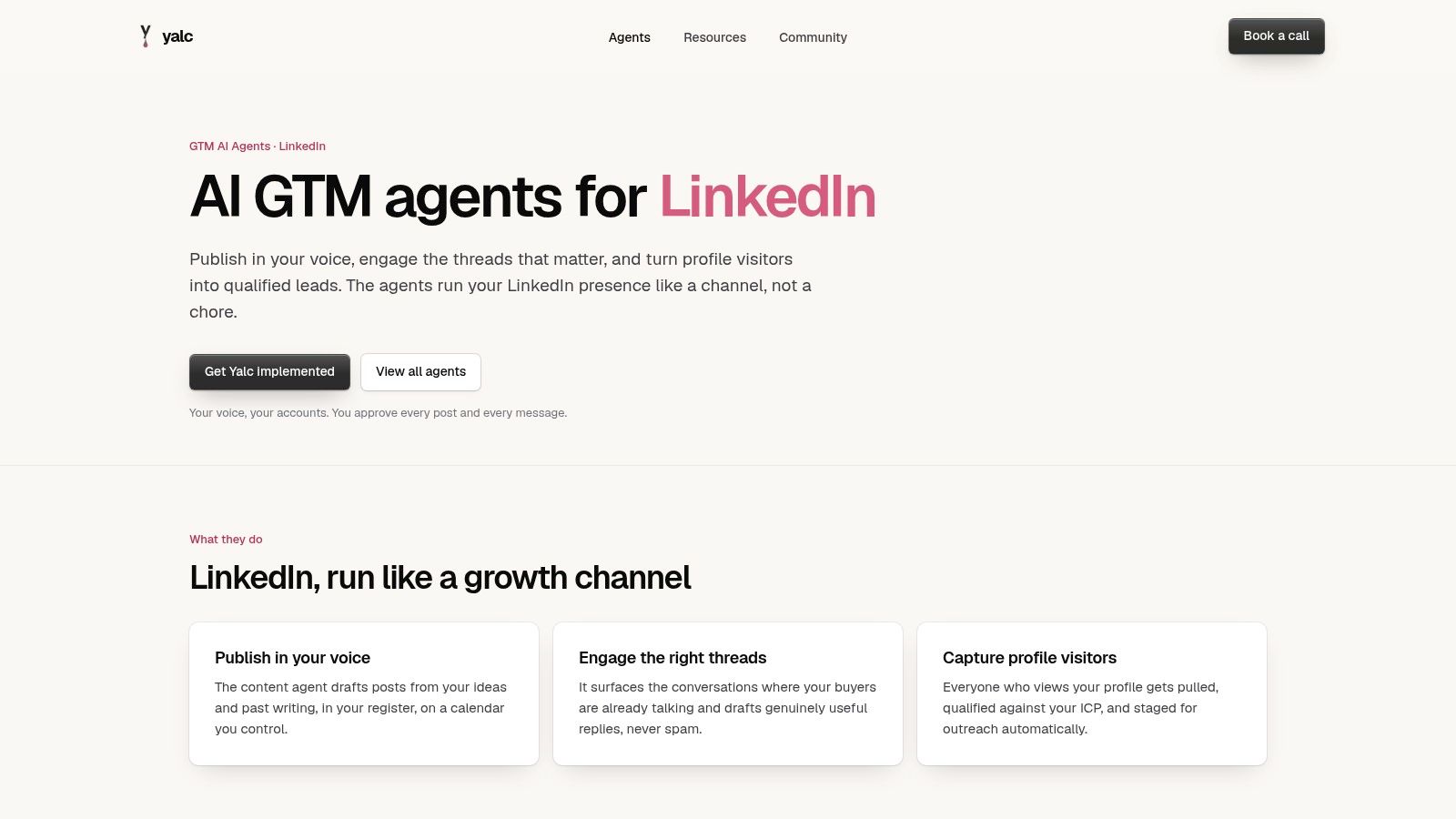
Run ready workflows from Slack or the Yalc UI, or compose your own through Yalc's MCP in Claude Code. Same engine either way. Runs stay auditable, with scoped access and human approval before sensitive actions. The setup is meant to run on infrastructure you control, with your own keys.
What this layer replaces
Point tools can still sit underneath. A LinkedIn sequence provider, an enrichment provider, and your CRM each do one job. Yalc decides the order, applies your voice, and scores the outcome. LinkedIn's April 2025 sales note says sellers using AI to craft outreach saw an average 28% increase in buyer response rates. A higher reply rate can also mean low intent replies. Score qualified opportunities, not messages sent.
Practical rule: Automate research, enrichment, scoring, and drafts. Hold connection requests and direct messages for a person to approve.
Where it fits
- Shared context: ICP, brand voice, and campaign history guide every run.
- Two surfaces: Ready playbooks in Slack or the UI, or custom plays in Claude Code.
- Controls: Step logs, least privilege access, and approval gates.
Where it stalls
- Setup is real work: Integrations, data sources, and GTM knowledge have to be loaded, unless you use Yalc's setup support.
- Policy still applies: LinkedIn steps depend on connected services and have to stay inside LinkedIn limits.
Use this when coordination is the gap. Product page: Yalc GTM agents for LinkedIn.
2. LinkedIn Sales Navigator
Sales Navigator is native search. Choose it when seniority, account fit, and a path into the buying group matter more than an exported email file.
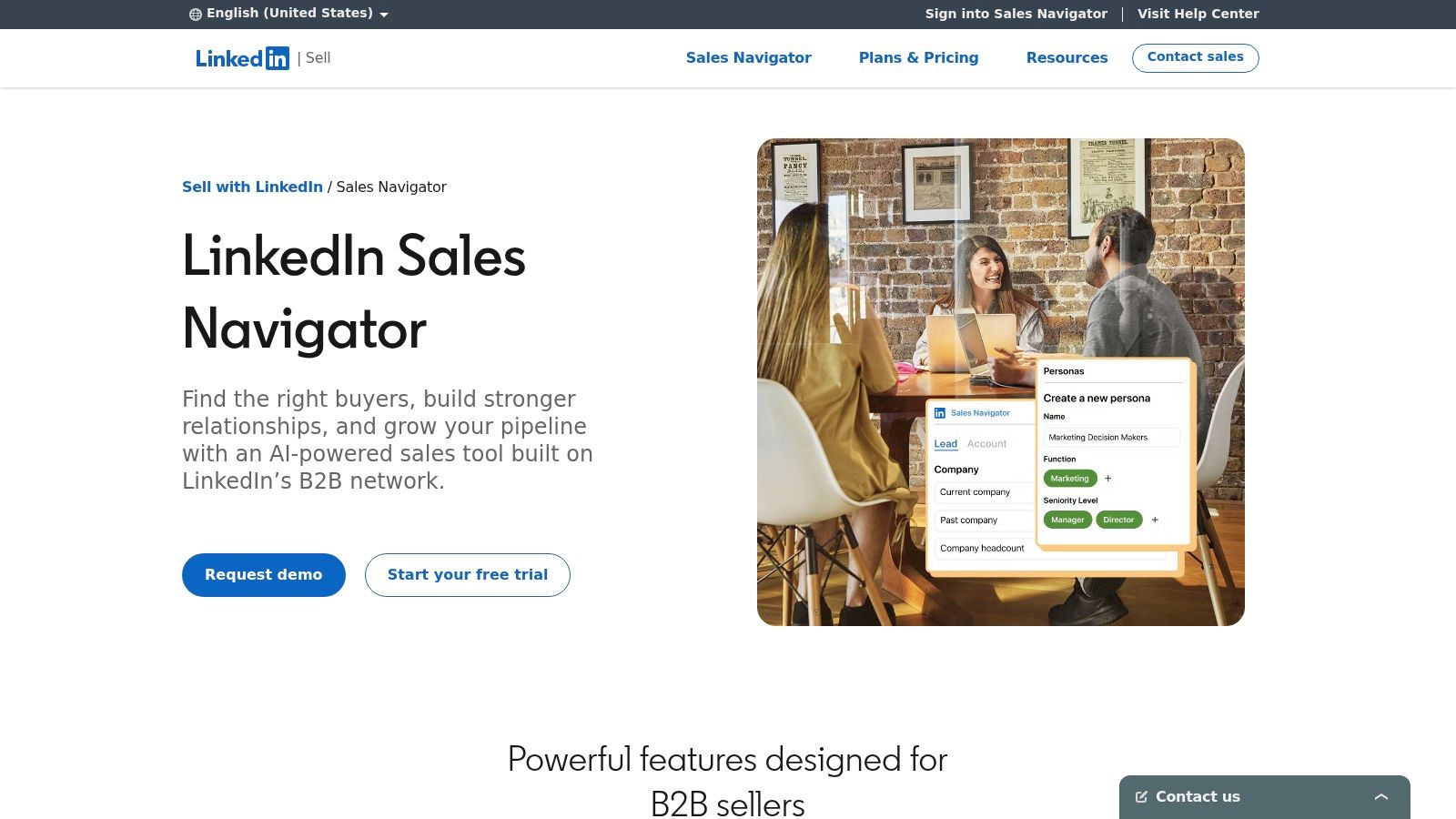
LinkedIn's Sales Navigator materials report that users make five times more connections with Director level and above leaders per person than people who don't use it, and can save roughly 15 minutes per day through CRM integration. Those are vendor benchmarks. The useful levers are filters, CRM sync, and a relevant note.
What to turn on
- Filters and alerts: Advanced lead and account search, saved searches, recommendations, and prospect or account alerts.
- Relationship context: Relationship Explorer and Relationship Map show paths into a buying group.
- Higher tiers: CRM integration and team features sit on upper plans, not on every seat.
Verified email and phone usually need another provider. It isn't a full sender across email and LinkedIn. Pricing feels high for a small team, and some views take time to learn. Confirm the current plan on LinkedIn's page before you buy seats.
Pair saved leads with a written LinkedIn outreach strategy so reps don't invent a new note for every account. For list hygiene, prospecting workflows for SDR teams are a useful cross check against what you store in the CRM.
3. Apollo
Apollo is the database plus email sequence slot. Buy it when you want to leave LinkedIn research and launch email in one system. Skip it when you already pay for both of those jobs.
A rep builds an account list in Sales Navigator, opens a profile, and uses the Chrome extension to see Apollo's people and company data on the same page. Enrichment and an email sequence can start without a second tab. That is the consolidation. It is also the overlap with Kaspr, Surfe, or an existing sequencer.
Check before you commit
- Price: A free plan lets a team test. Published annual billing is Basic at $49, Professional at $79, and Organization at $119 per seat per month. Credits and features change by tier.
- Data: Run a sample of your real market. Coverage and freshness aren't even across regions.
- Stack clash: Breadth becomes waste if CRM sync and sequencing already live elsewhere.
Filters and signals help, and integrations reach LinkedIn, CRMs, and sales engagement tools. Credits and record selection limits still cap how large a list you can build in a week. Read Apollo alternatives if you only need one of those jobs. Site: Apollo.
4. Surfe
Surfe fills the LinkedIn-to-CRM capture gap. It shows contact and company details in the browser and sends them to your CRM, reducing manual profile entry.
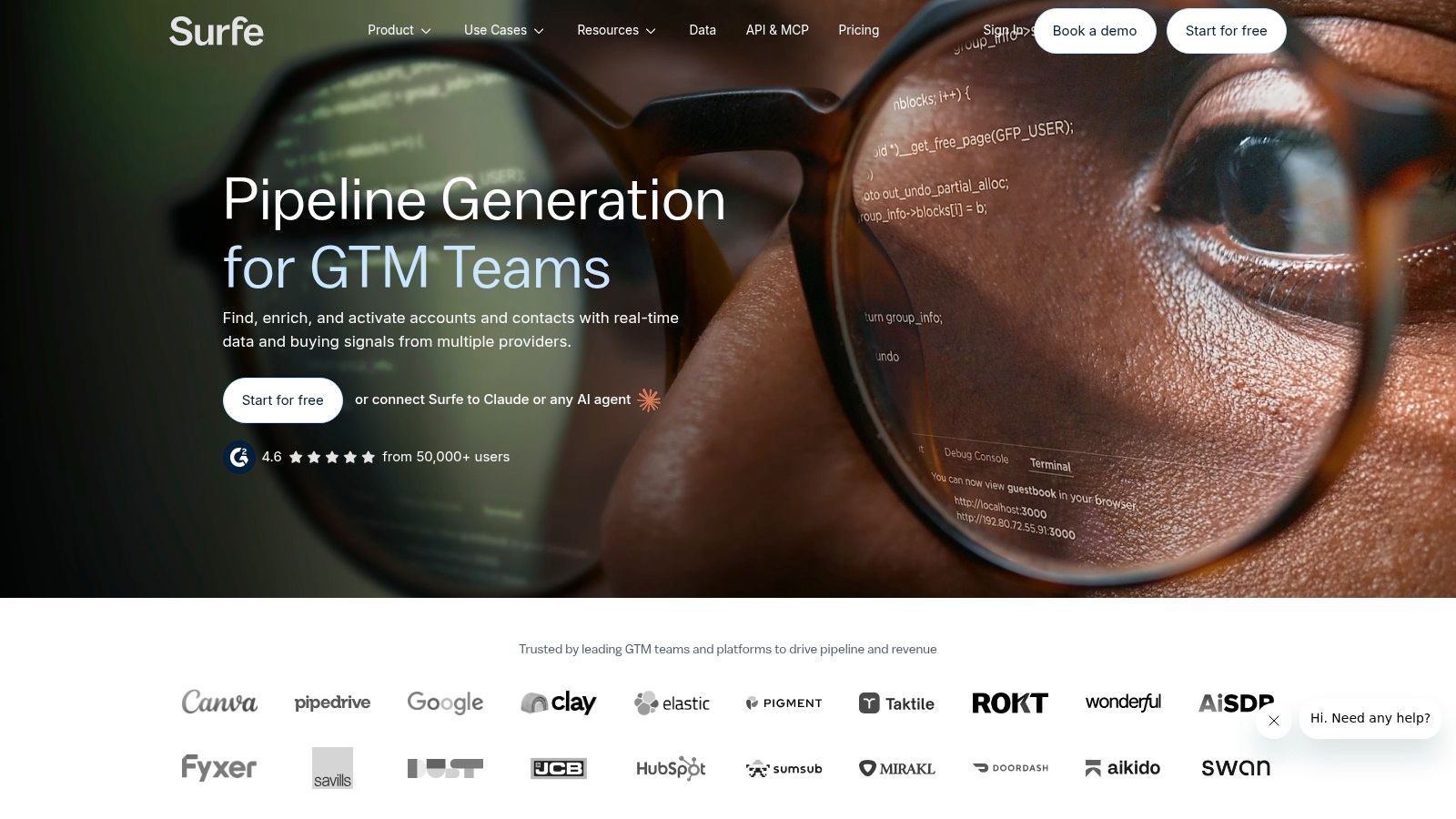
A free plan is available. On annual billing, Surfe lists Essential at $49 per user per month and Pro at $79 per user per month. Credits and features vary by plan, so check the lookup limits against your expected volume before adding seats.
Fit check
- In the browser: View contact and company details while browsing LinkedIn.
- CRM writeback: Capture profiles and sync contacts with less manual entry.
- Handoff: Integrations include HubSpot, Salesforce, Pipedrive, Outreach, and Lemlist. Confirm your CRM is included in the plan you choose.
Surfe handles capture and CRM writeback; Sales Navigator handles search, while a sequencer manages timed follow-up across email. Choose Surfe when the weak link is getting a researched profile into your CRM. Before rolling it out, check that required fields map correctly by capturing twenty real profiles.
5. La Growth Machine
La Growth Machine is the multichannel sequence slot. It fits teams that already know who to contact and need LinkedIn and email in one campaign, not a LinkedIn only blast.
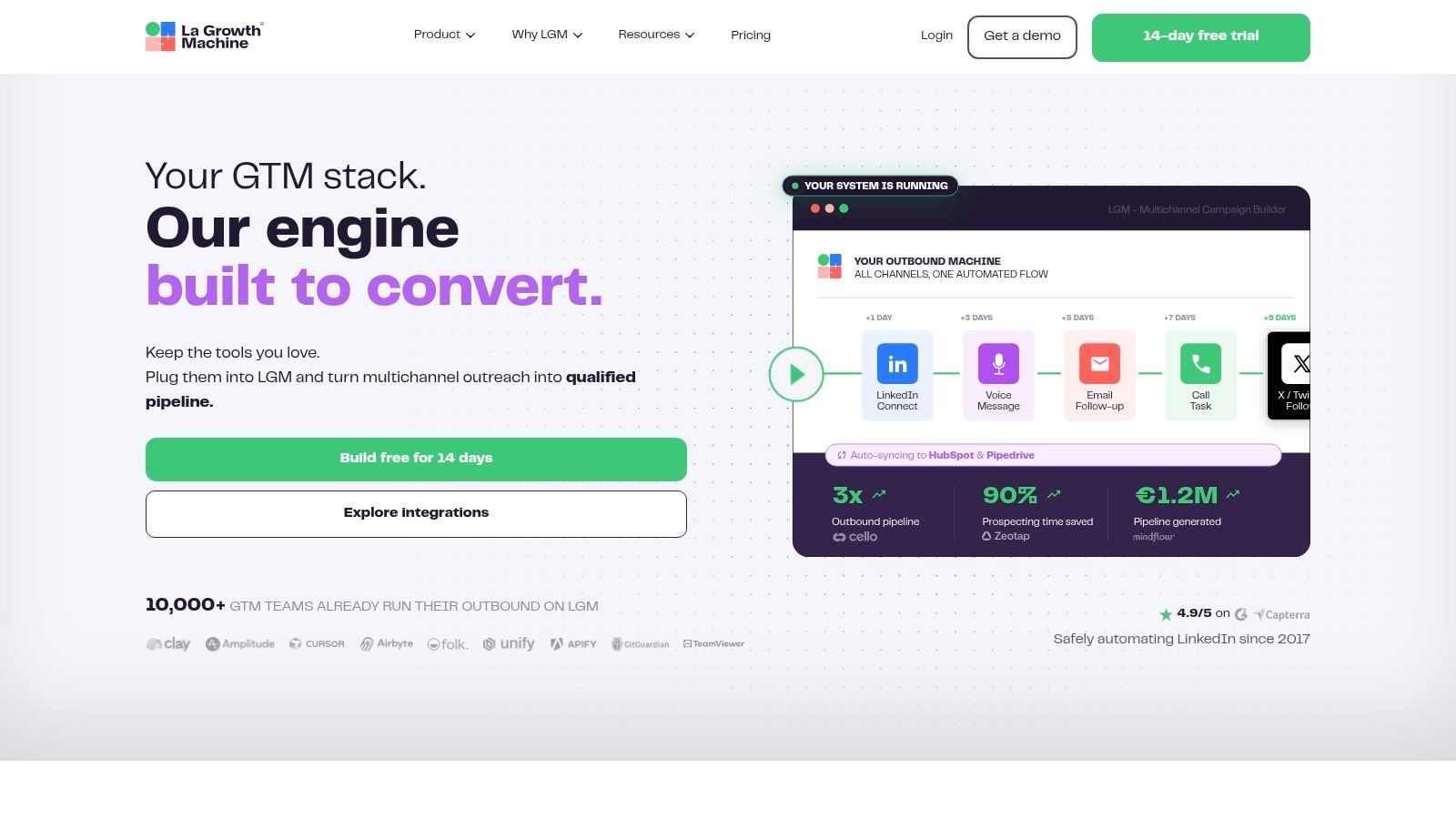
The official page lists Basic from €60 per identity per month and higher plans at €120 per identity per month. A 14 day trial is available. Per identity pricing means cost tracks sending profiles, not headcount in a vague way. Five senders cost like five products.
Plan gates that matter
- Channels: LinkedIn and email are the base. Extra channels sit on higher tiers.
- Data: Lead enrichment and company database features depend on the plan.
- Ops: A multichannel inbox and deeper CRM workflows show up as you move up. Integrations cover CRMs and automation tools.
Templates shorten setup, and users tend to rate the product well. The range still takes more configuration than a basic search tool. Enrichment allowances aren't unlimited. If you only need native filters, stay on Sales Navigator. If you need one campaign that stops when someone replies on either channel, this is the slot. See La Growth Machine.
6. Waalaxy
Waalaxy is the approachable sequence slot for individuals and smaller teams. Templates and a visual campaign flow reduce the "who did I forget" problem. It isn't a deep analytics suite.
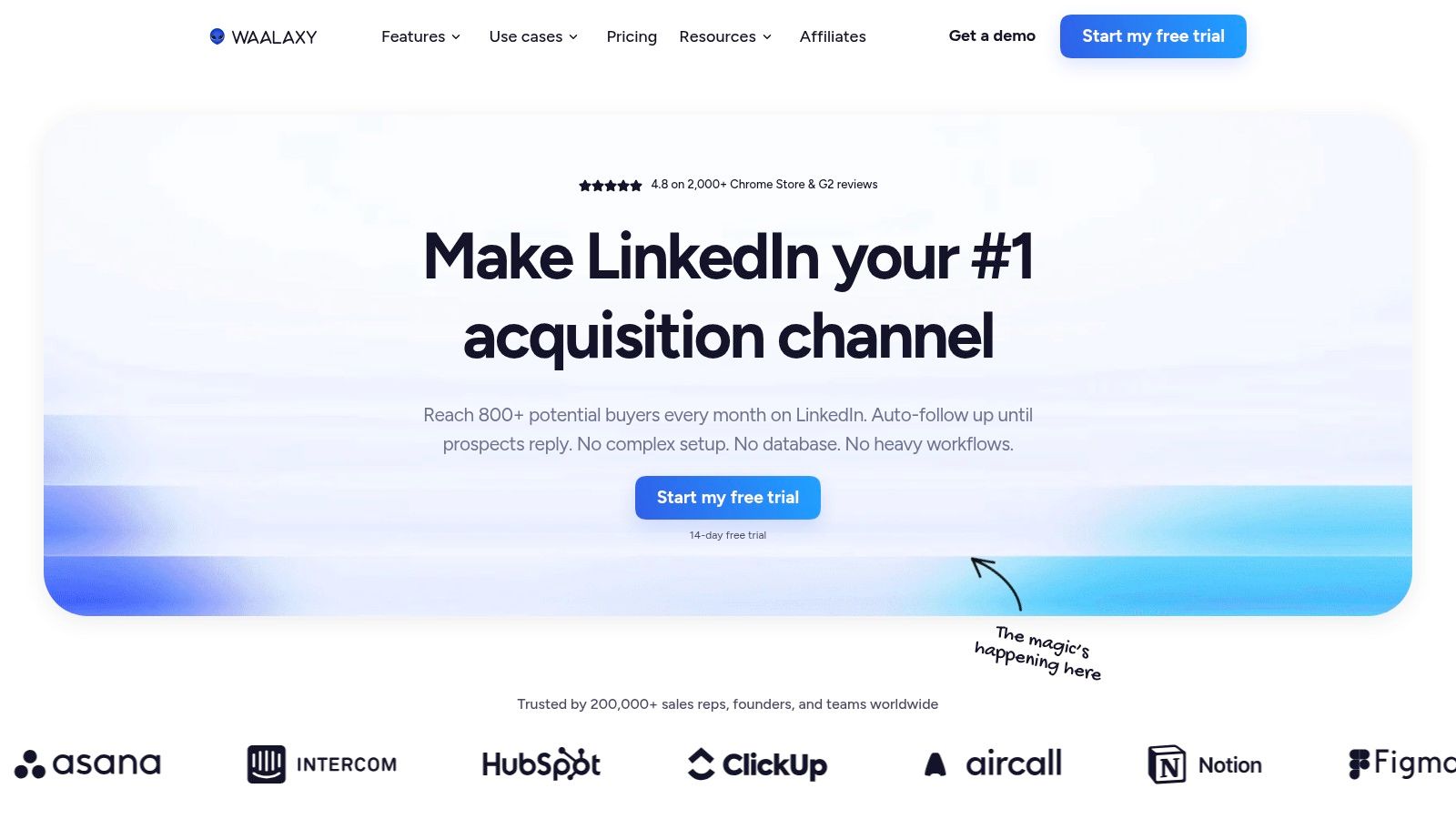
A 14 day trial is listed. The pricing page shows Pro at €19, Advanced at €49, and Business at €69 per user per month, with features and billing terms that change by plan. Email outreach and finder credits sit on Business. CRM sync and team features aren't on every tier.
You can import from LinkedIn, Sales Navigator, and Recruiter Lite, then run prebuilt sequences. Users like the setup. They also report shallow campaign analytics, and complex branching can feel tight.
LinkedIn's invitation guidance doesn't publish a universal daily invitation quota. It limits invitations to protect member experience, and it says excessive invitations, especially when automation is suspected, can lead to suspension or restriction. Repeated suspensions can become permanent. Don't configure Waalaxy around a fixed daily target such as 100 invites. Stop when the account shows a warning. Product site: Waalaxy.
7. Dripify
Dripify organizes LinkedIn follow-ups into visual sequences, with plan-dependent features such as email steps, analytics, a dedicated inbox, CSV export, and webhooks. It fits reps who need repeatable campaign steps; check that the features you need are included in your chosen plan.
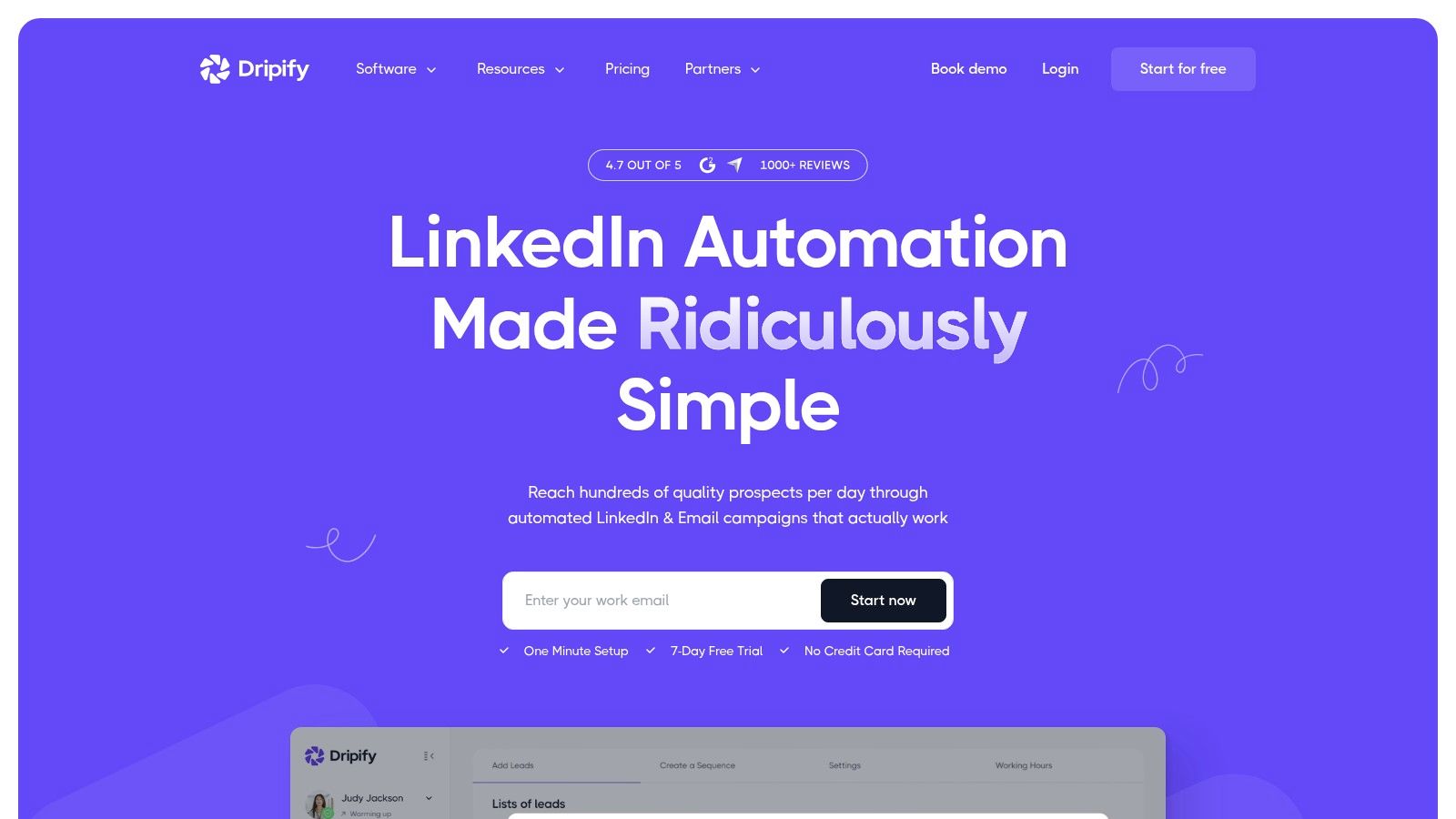
A seven-day trial is available. Check Dripify's current pricing for annual per-user rates, since tiers and limits can change. Per-user billing adds up across a sales pod, so compare campaign limits and included features before choosing a tier. Visual sequences and personalization variables support repeatable outreach, while a straightforward setup helps teams get campaigns running.
LinkedIn's guidance on third-party tools prohibits software, plugins, extensions, crawlers, and bots that scrape LinkedIn or automate activity. The policy covers copying profiles, adding or downloading contacts, sending messages, and automating likes, comments, or shares. A sequencer that operates through the LinkedIn website therefore carries policy risk.
Before connecting a production sales account, confirm whether the tool uses an approved interface or automates activity on LinkedIn itself.
Start with a small list and review the sequence before increasing its reach. For more on the risks and mechanics, read this guide to LinkedIn outreach automation.
8. Dux-Soup
Dux-Soup fits the LinkedIn automation slot in a GTM stack, with browser-based and cloud options. It visits profiles, follows accounts, and can automate invitations and messages. Those actions fall under LinkedIn's rules for third-party tools that automate activity. Higher plans add drip campaigns, a lead dashboard, and CRM data transfer, so choose it for those workflow gaps rather than as another system of record.
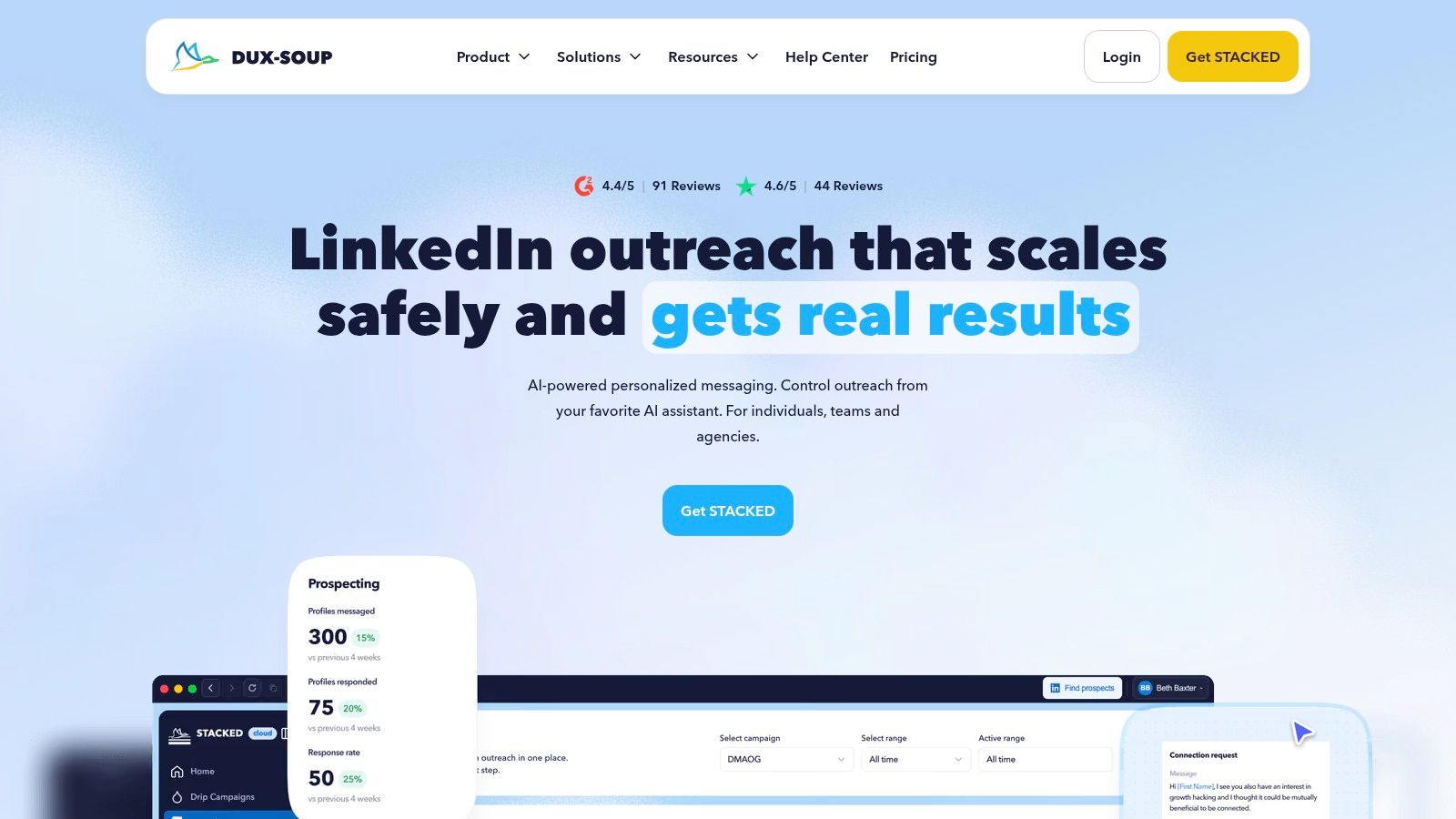
A free trial is available. Dux-Soup lists Pro Dux at $14.99 per month, Turbo Dux at $55, and Cloud Dux at $99, with discounts for annual billing. Users often praise its tagging, lead organization, and support; the interface can feel dated, and advanced setup takes time.
Safety settings do not guarantee protection from restrictions. LinkedIn's restriction guidance sets a maximum of 30,000 first-degree connections. If your workflow keeps accepting invitations after the network reaches that limit, growth stops. Track acceptance and meetings, and remove stale connections rather than optimizing for invitations sent.
9. Kaspr
Kaspr fills the data-capture slot in a LinkedIn prospecting stack. Its Chrome extension reveals business emails and phone numbers on LinkedIn profiles, then lets you save, organize, and export contacts. Use a CRM as the system of record and a separate sequencer for outreach.
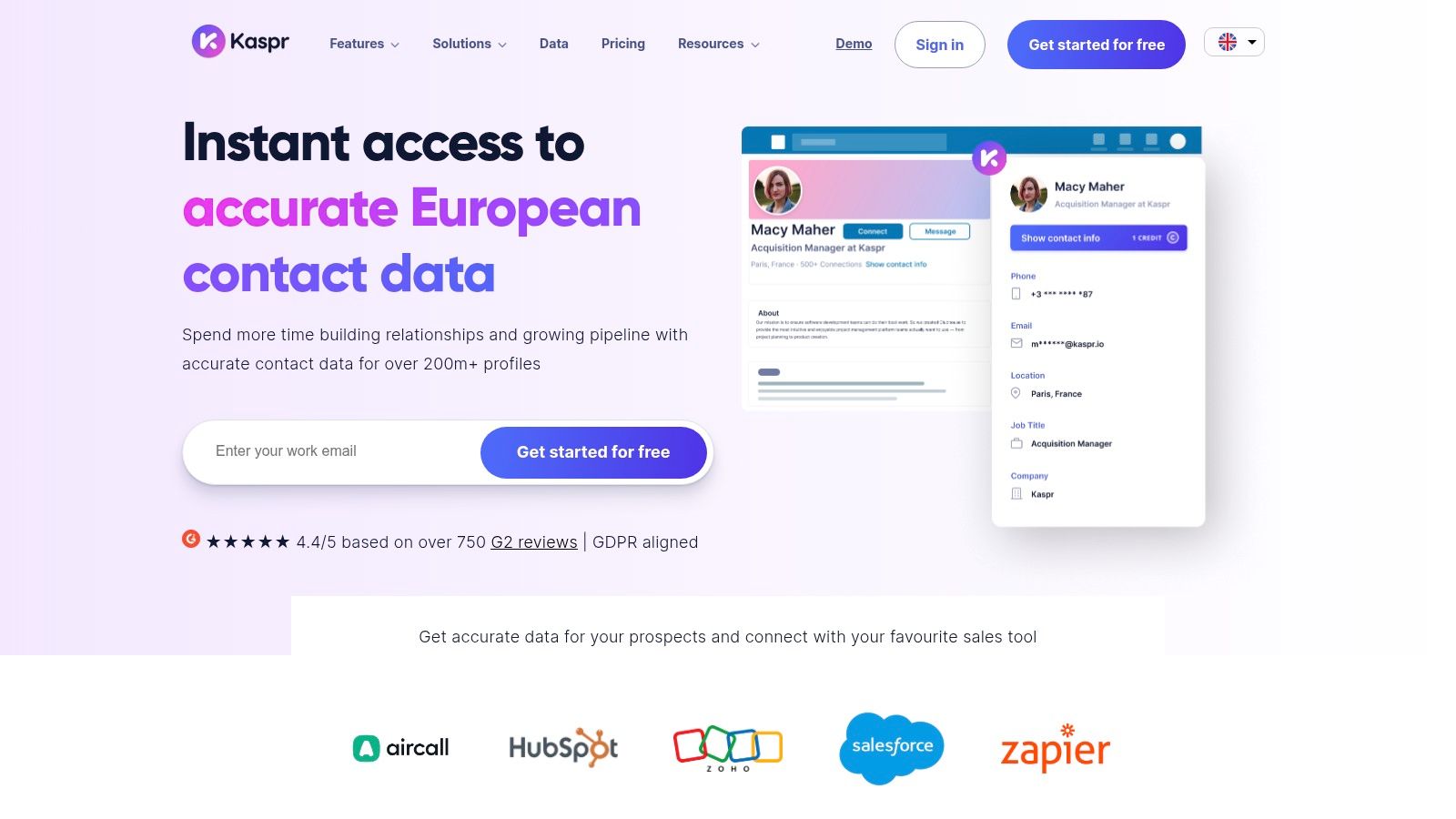
The free plan gives you a way to try the extension. Kaspr lists Starter at $49 per month and Business at $79 per month. Credits and annual billing affect the allowance, and phone and direct email access are credit-limited. Coverage varies by person and region, so test the data against your target market before relying on it.
Operating limits
- Reveal selectively: Pull contact details only for prospects who match your ICP.
- Check the export path: CSV exports and CRM integrations move records out of Kaspr. API access and team reporting depend on the plan.
- Treat public profiles carefully: LinkedIn's User Agreement governs automated scraping. A public profile does not grant permission for bulk extraction.
Record each contact's source, retain only the fields you need, and maintain a way to delete records. Start with a small sample in your target country, then check the usable email and phone coverage before adding Kaspr to the stack.
10. Cognism
Cognism is enterprise sales intelligence, not a cheap add on for one rep. The Chrome extension works on LinkedIn and Sales Navigator. Under it sit contact and company data, firmographic and technology filters, and prospecting signals. CRM enrichment, API access, and intent features depend on the package.
Pricing is a quote. It depends on product, team shape, and intended use. That quote is a real commitment for a small team, so don't start here if Kaspr or Apollo already returns usable emails for your market.
Evaluate it on a live sample
- Coverage: Users often value contact data and European reach. Accuracy still moves by region and by person. Check current employer, not just a filled email field.
- Account lists: Filters help you reach several decision makers at one company. That only pays off if sales ops will work the account, not a single name.
- Export and CRM: Bulk export limits and enrichment workflow need a check during the trial. If the CRM sync fails, you have a second database, not a system of record.
Use Cognism when the gap is data quality for an established team, then keep sequencing in one other tool. Site: Cognism.
LinkedIn prospecting tools compared by role, price, and stack fit
Choose each tool for a defined slot in the GTM stack: prospect data capture, enrichment, sequencing, or CRM recordkeeping. The comparison below uses the plan, billing, trial, and CRM details stated in each tool's section. Where the section gives no price or trial terms, the table identifies the pricing model without inventing a figure.
| Tool | Stack role | Price and billing | Free plan or trial | CRM integration |
|---|---|---|---|---|
| Yalc | AI-assisted LinkedIn prospecting and outreach | Not stated in the section | Not stated in the section | Not stated in the section |
| LinkedIn Sales Navigator | LinkedIn search, account research, and relationship insights | Paid plans; price not stated in the section | Not stated in the section | Available on higher-tier plans |
| Apollo | Prospect discovery, enrichment, and email outreach | Starting at $49 per seat per month, billed annually | Free plan | Available |
| Surfe | LinkedIn contact capture and CRM updates | Starting at $49 per user per month, billed annually | Free plan | Integrates with major CRMs |
| La Growth Machine | LinkedIn and email sequencing | €60 per identity per month | 14-day trial | Available |
| Waalaxy | LinkedIn outreach sequences | €19 per user per month | 14-day trial | Available |
| Dripify | LinkedIn and email follow-up sequences | Starting at $39 per user per month, billed annually | 7-day trial | Webhooks and integrations on higher tiers |
| Dux-Soup | LinkedIn automation and prospect management | Starting at $14.99 per month | Free trial | Available |
| Kaspr | Contact data capture and enrichment | Starting at $49 per month | Free plan | Available |
| Cognism | B2B sales intelligence and data enrichment | Custom pricing | Trial terms not stated in the section | CRM enrichment and integrations available |
Treat the CRM column as a fit check, not a substitute for confirming how records sync. A tool that captures or enriches a contact fills a different gap from one that sequences outreach; buying both only makes sense when each has a distinct job in the stack.
Build the Stack Around the Gap, Not the Hype
Name the broken slot before you book a demo. If reps can't find the right people, fix search with Sales Navigator. If they find people and lack a reachable email or phone, fix enrichment with Kaspr, Apollo, or Cognism. If follow up is inconsistent but data is fine, pick one sequencer, not three. If the CRM never receives the record, fix capture with Surfe or a native sync before you add volume.
Pick one tool per role. Overlap is how stacks get expensive and how two products send from the same account.
Verify coverage on a sample of real prospects before you sign. Twenty to fifty names from your ICP is enough. Check current employer, seniority, and whether the email or phone is usable. Then test CRM sync on that same sample. A tool that looks good in a browser and writes nothing to HubSpot or Salesforce isn't ready.
LinkedIn's Social Selling Index research says leaders scoring 70 or above generate about twice as many new clients, meetings, and opportunities through LinkedIn as people scoring 30 or below. Only 1.4% of sales professionals reach 70 or above. The average score moved from 21 to 28. Many use the network. Few run it as an operating system. Compare high and low performers on your own team, and keep a play only when qualified opportunities per account improve.
A unified layer such as Yalc can replace several point tools when the gap is orchestration. Research, enrichment, scoring, drafts, and reporting share one audited workflow, with approval before sensitive LinkedIn actions. You still keep a system of record. You stop paying for three products that all "find leads."
LinkedIn's User Agreement guidance says third party software or browser extensions that scrape data or automate activity violate the agreement and can bring temporary or permanent restrictions. Weigh that risk against any volume target. The safer design automates preparation and measurement, and leaves the sensitive send to a reviewed step. Teams chasing the longest invite list usually learn this after an account lock, not before.
If your current tools only add activity, look outside LinkedIn as well. A separate channel test, including Reddit lead generation tools, belongs in the same stack review. One slot, one owner, one metric that isn't "messages sent."
Yalc is an AI GTM operating system that runs LinkedIn prospecting inside the same engine as qualification, personalization, sequencing, and reply handling, with your ICP and voice on every run. It fits teams that are tired of overlapping LinkedIn prospecting tools and want audited workflows, human approval on sensitive actions, and a record of which plays create pipeline. See how the LinkedIn agents fit your stack at Yalc.